Daily shift reports
Write one report per day about what happened at reception, starting from an automatic summary of check-ins, memberships and sales.
A daily report is the digital version of the reception logbook: one free-text note per day about incidents, maintenance and anything the next shift should know. FitManager starts each new report with a short summary of the day's numbers, so the figures are always there next to the notes.
Before you start
- The page needs the Daily reports feature on your plan.
- To read reports you need the View daily reports permission. To write, edit or delete them you also need Write daily reports. Owners and new employees have both by default.
- Reports belong to the facility selected at the top of the dashboard.
Write today's report
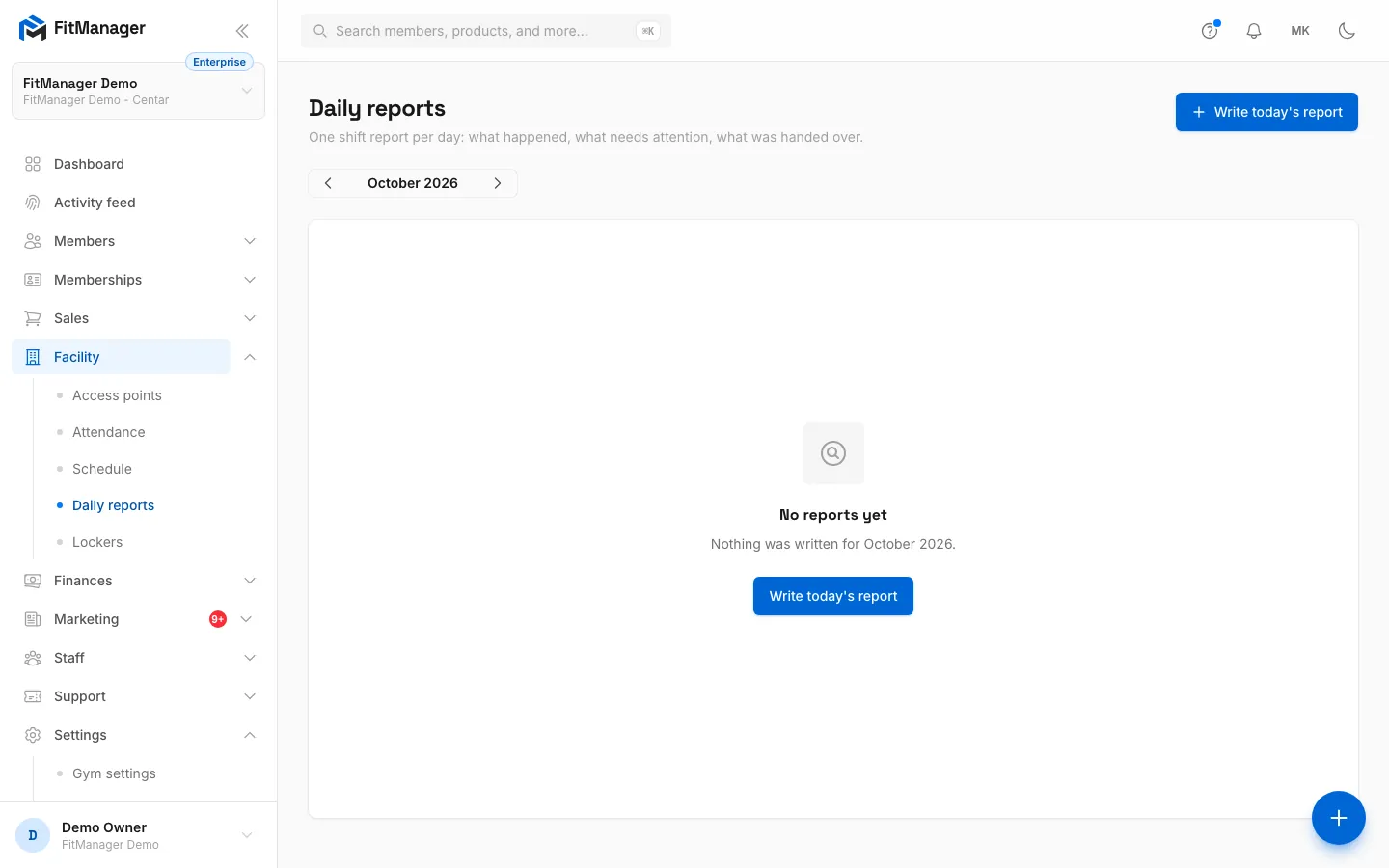
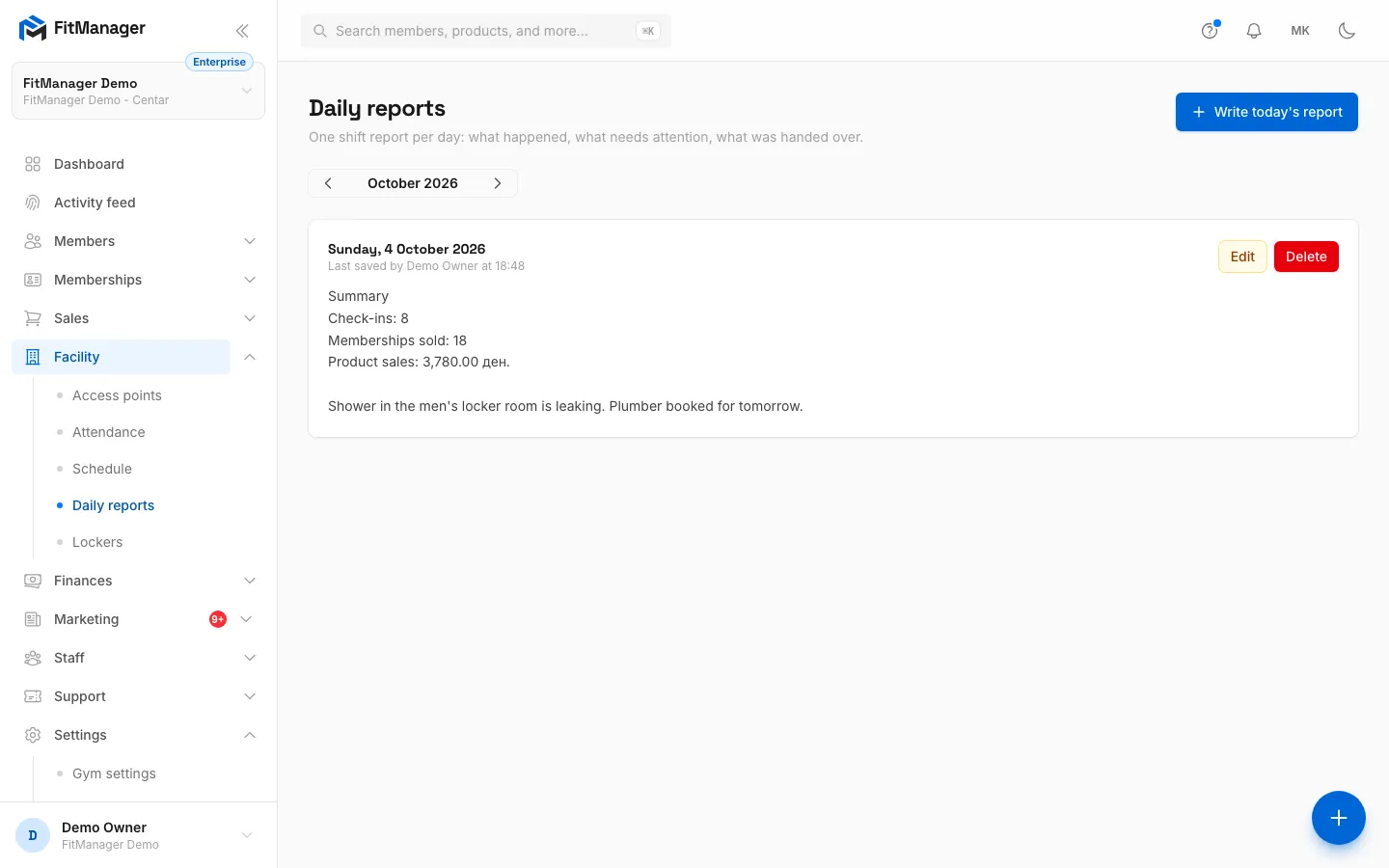
- Step 1: Under Facility, Daily reports, click Write today's report.
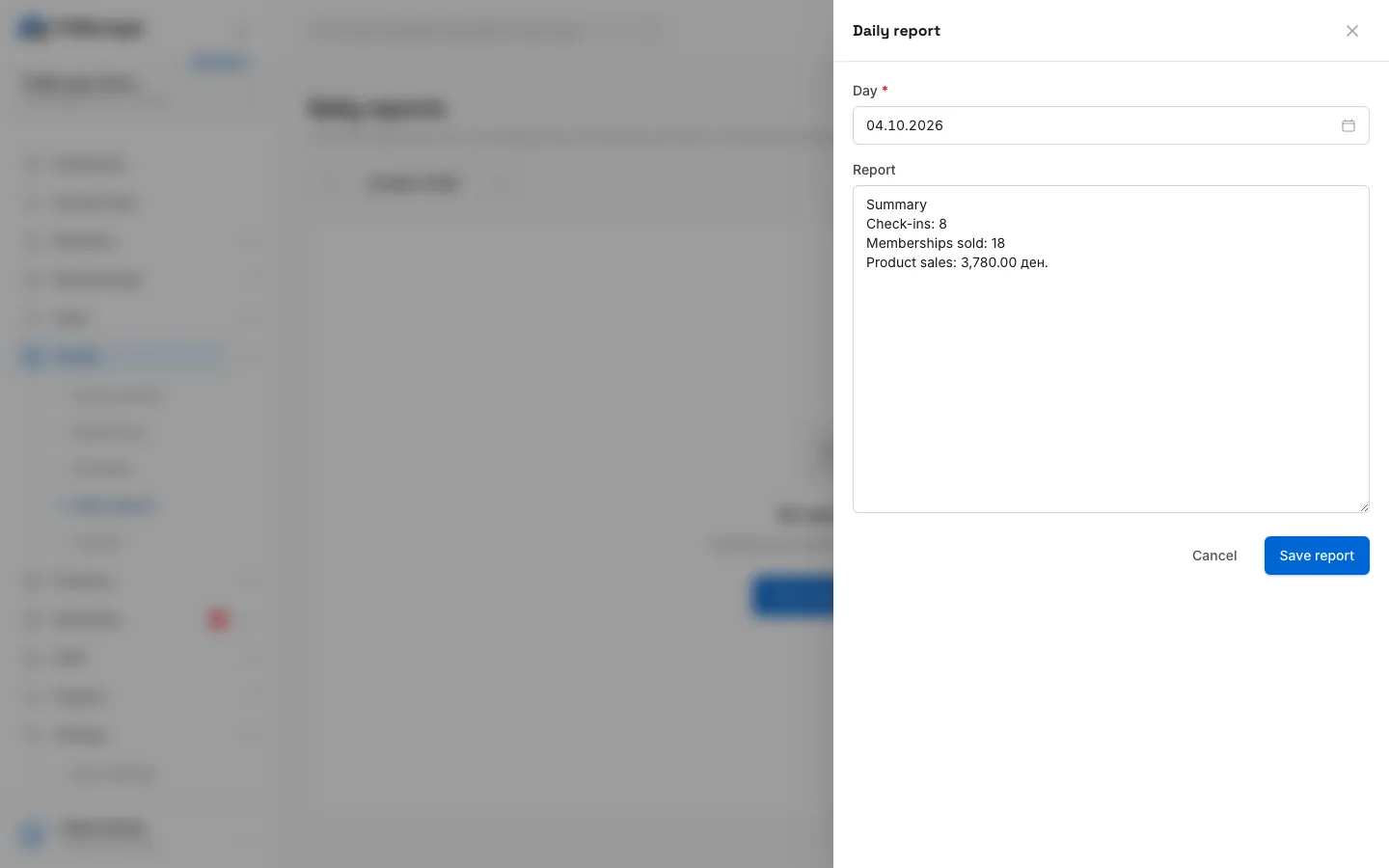
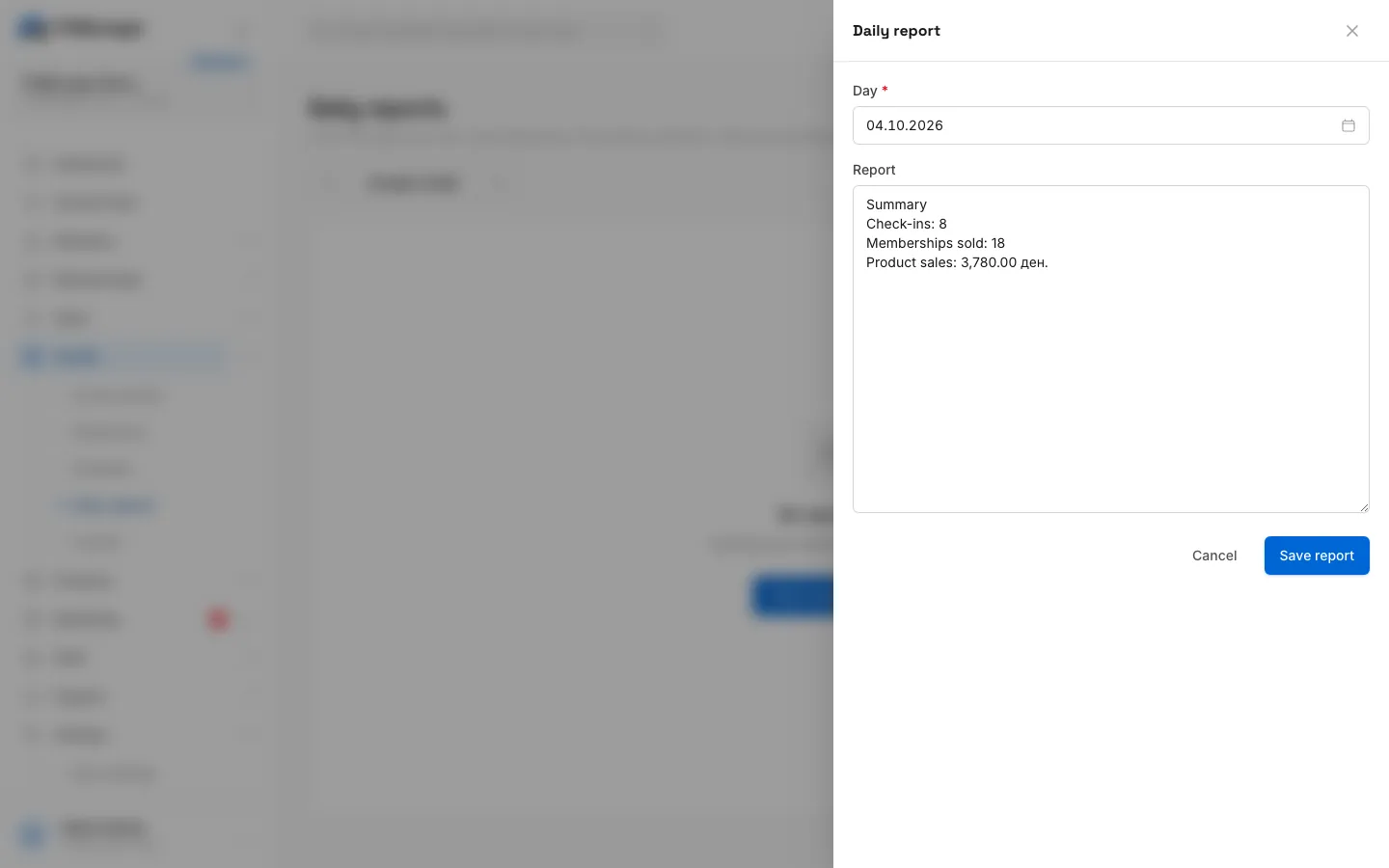
- Step 2: The report starts with the day's summary, check-ins, memberships sold and product sales.
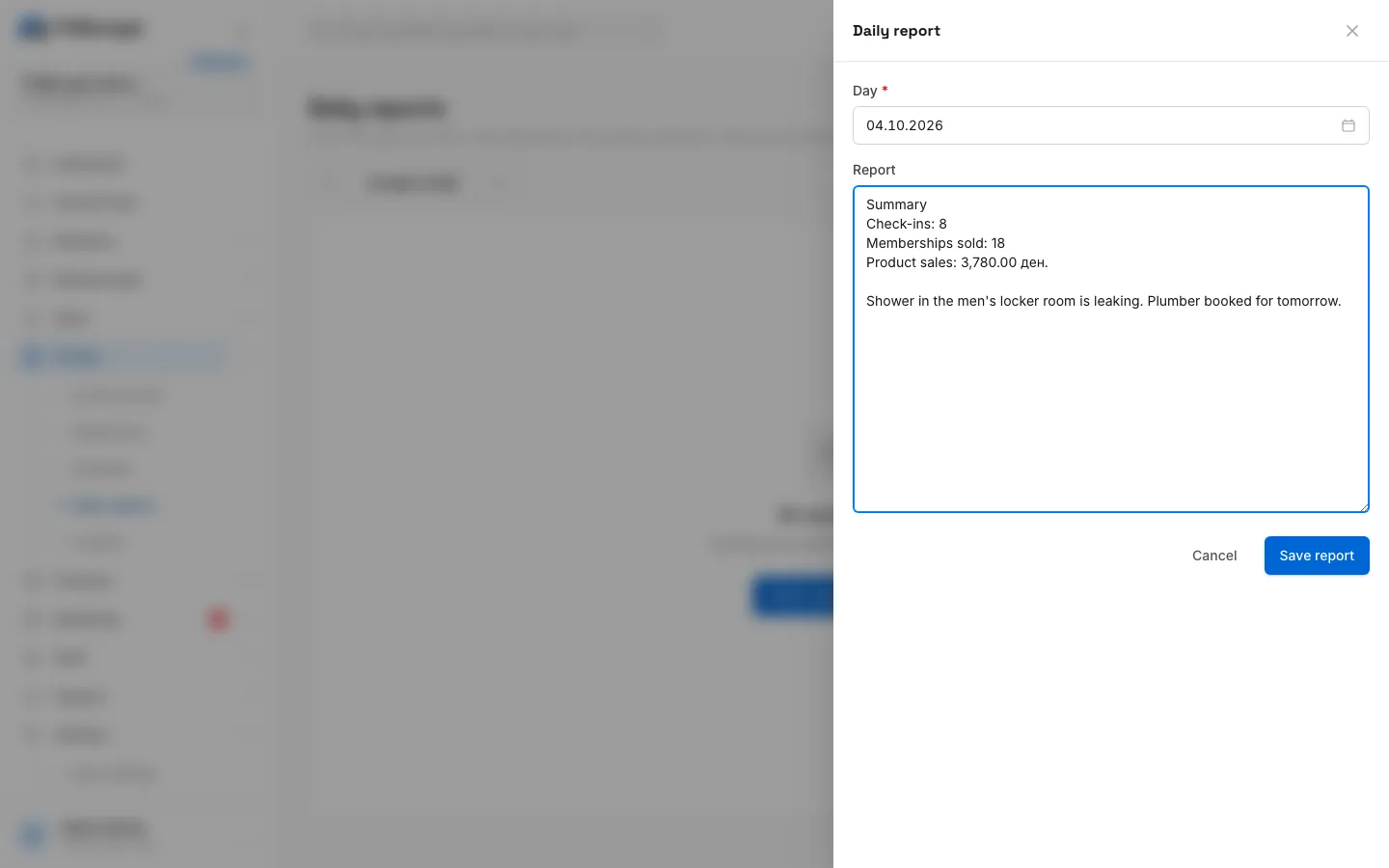
- Step 3: Add what happened on the shift and what the next shift should know.
- Step 4: Click Save report.
- Step 5: The report is listed under its day, with who saved it last.
- Open Facility, Daily reports.
- Click Write today's report.
- The Report field starts with a Summary of the day:
- Check-ins: how many check-ins were recorded.
- Memberships sold: how many memberships were added.
- Product sales: the total of paid sales.
- Below it, write what happened: incidents, broken equipment, cleaning, handover notes. You can also change or delete the summary.
- Click Save report.
There is one report per day. If you open a day that already has a report, you edit that report, and the list shows who saved it last and when.
Write or fix another day
In the report panel, change the Day. A day that already has a report loads it. A day without one starts with that day's summary. Future days cannot be chosen.
Browse reports
The page shows one month at a time, newest day first. Use the arrows next to the month name to go back or forward. Each report shows the day, Last saved by with the time, and the full text. Edit opens it, and Delete removes it after you confirm.
Common questions
Does the summary update if more sales come in later?
No. The summary is written into the text when the report for that day is first opened. After that it is plain text, so correct the numbers by hand if they changed.
Can an employee see the reports but not write them?
Yes. Give them the view permission and take away Write daily reports under Permissions.
Was this page helpful?
Related articles
Still stuck?
Write to us and we will get back to you within one working day.