FitManager Docs
How can we help?
Step by step guides and interactive walkthroughs for everything in FitManager.
Ctrl K
Start here
About FitManager
Is FitManager right for your gym?
What FitManager does, which gyms it suits best, where it is not the right tool, and the questions to ask before you switch.
About FitManager
Plans compared
Starter, Pro and Enterprise side by side, how per-location pricing works, what each plan includes and which add-ons each one can buy.
About FitManager
What hardware do you need?
FitManager runs in a browser, so the basics need no hardware. Here is exactly what doors, fiscal receipts, card terminals, the kiosk and the apps need.
Getting started
Set up your gym in 10 steps
A checklist for a new FitManager gym, from branding and opening hours to plans, staff, payments, your website, members and the doors.
Interactive walkthrough
Browse by topic
About FitManager
For gym staff
Getting started
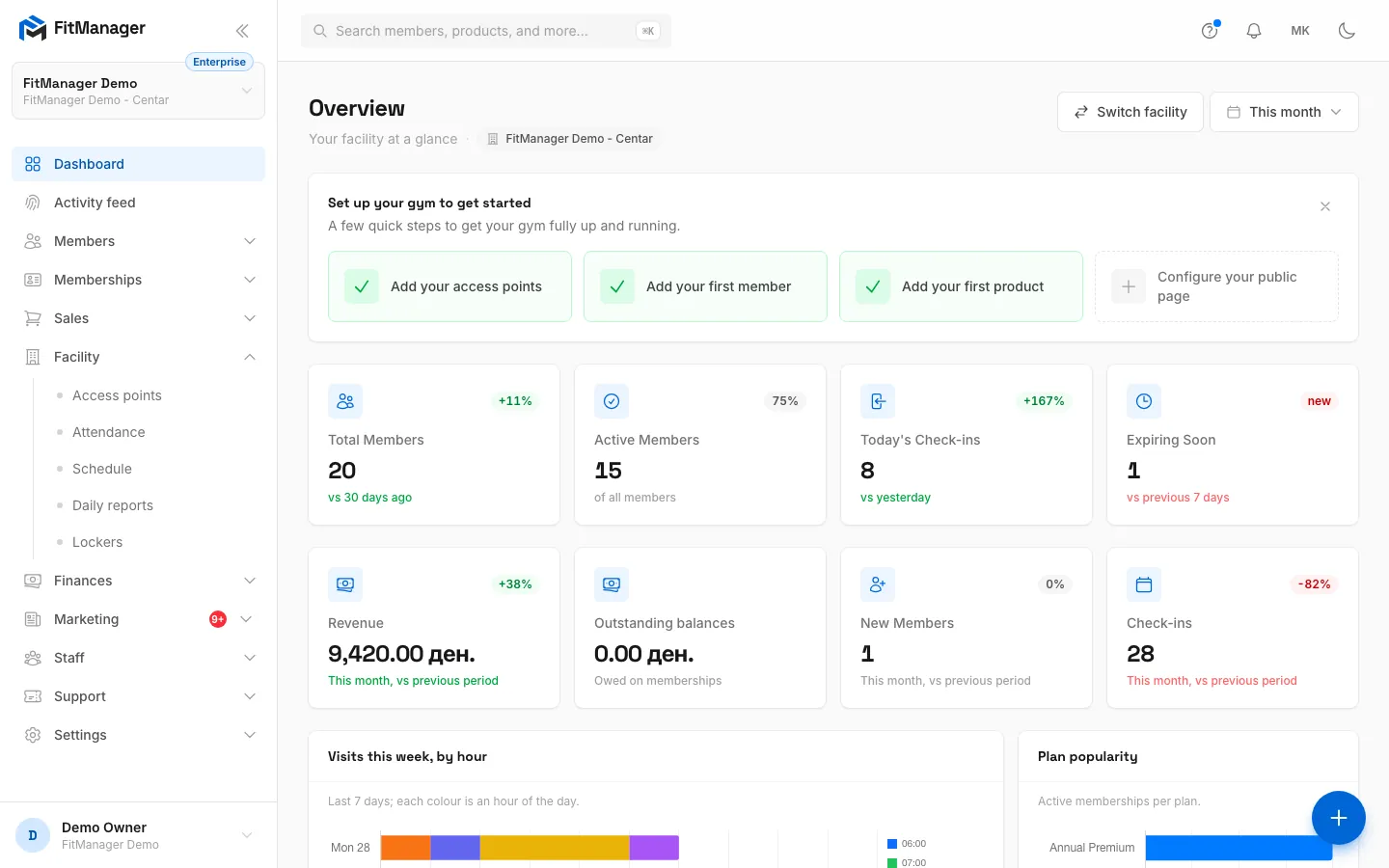
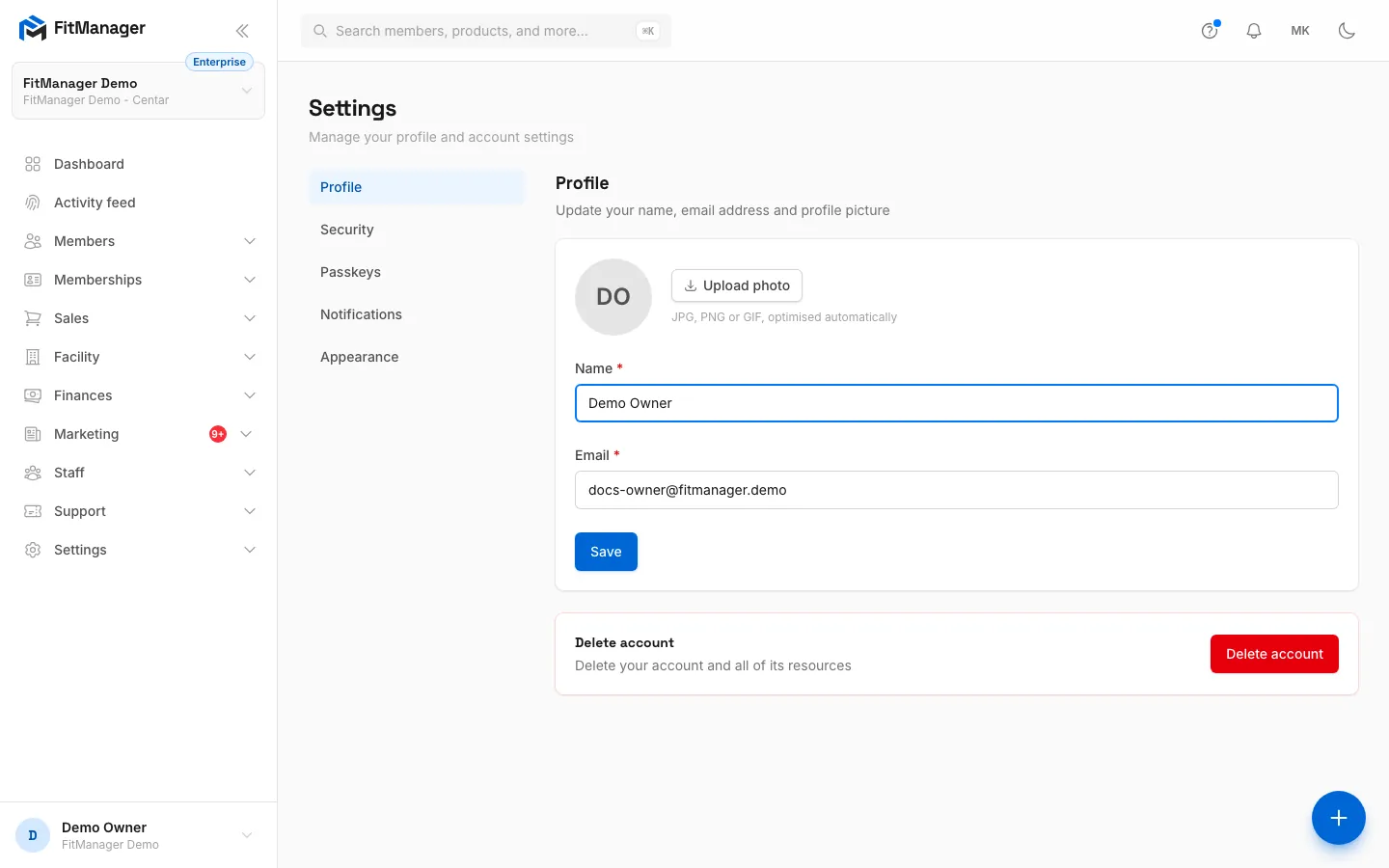
Set up your gym, find your way around and configure your account.
6 articles
Members
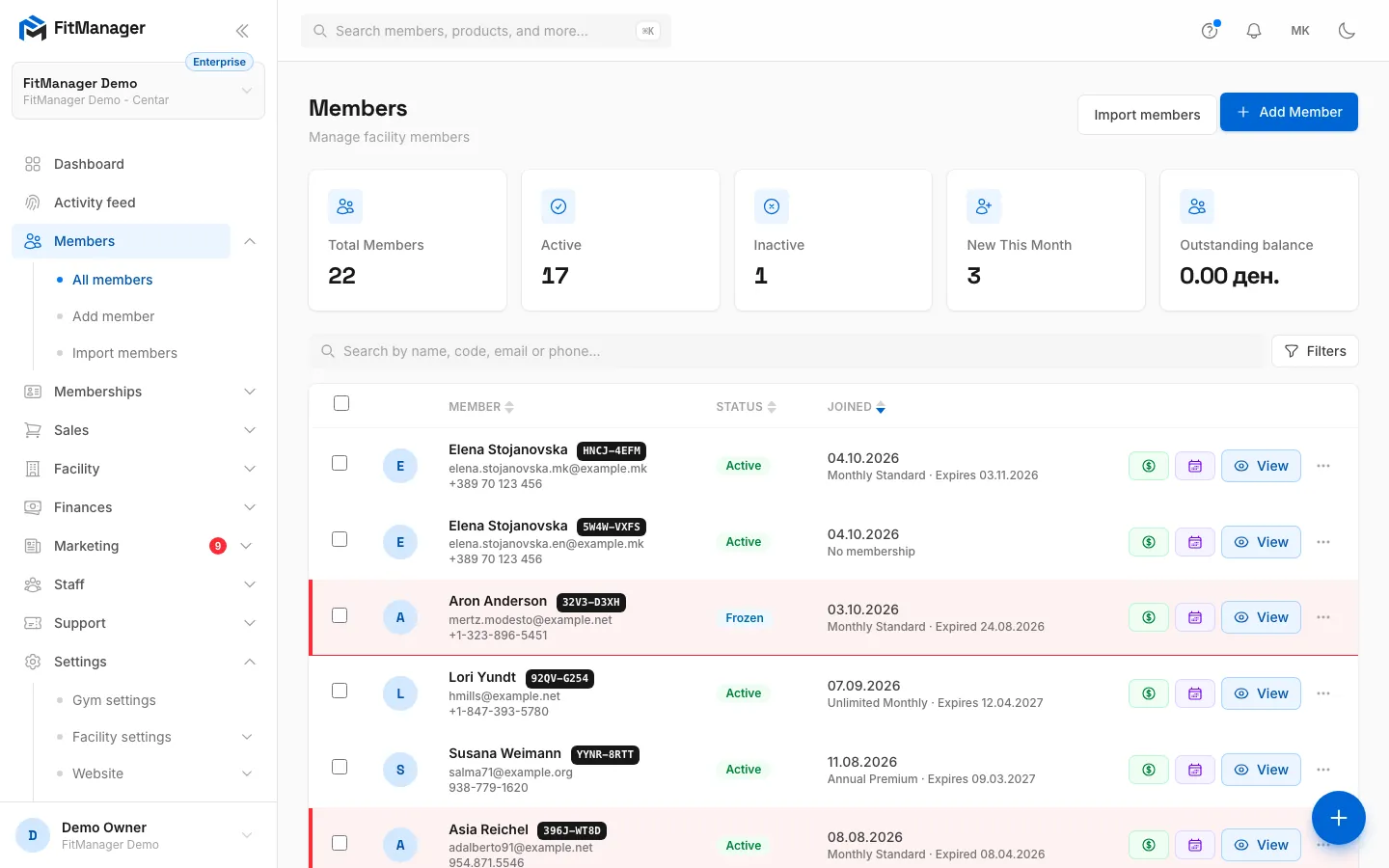
Add, import and manage members, cards and portal access.
7 articles
Memberships
Plans, categories, assigning, renewing and recurring billing.
5 articles
Check-in and access
Attendance, doors, access rules, lockers and FitManager Control.
7 articles
Schedule and classes
Build your timetable, enrol members and send class reminders.
4 articles
Sales and POS
The till, products, gift cards, coupons, fiscal printer, card terminal and kiosk.
8 articles
Finances
Earnings, expenses, reports and online payments.
6 articles
Communication
Email through Brevo, SMS, push, newsletters and inquiries.
7 articles
Website and apps
Your gym website, domain, blog, member portal and mobile apps.
11 articles
Staff and security
Employees, permissions, the IP allowlist and the activity log.
4 articles
Developers
API keys, webhooks, the website API and the AI connector.
4 articles
Plan and billing
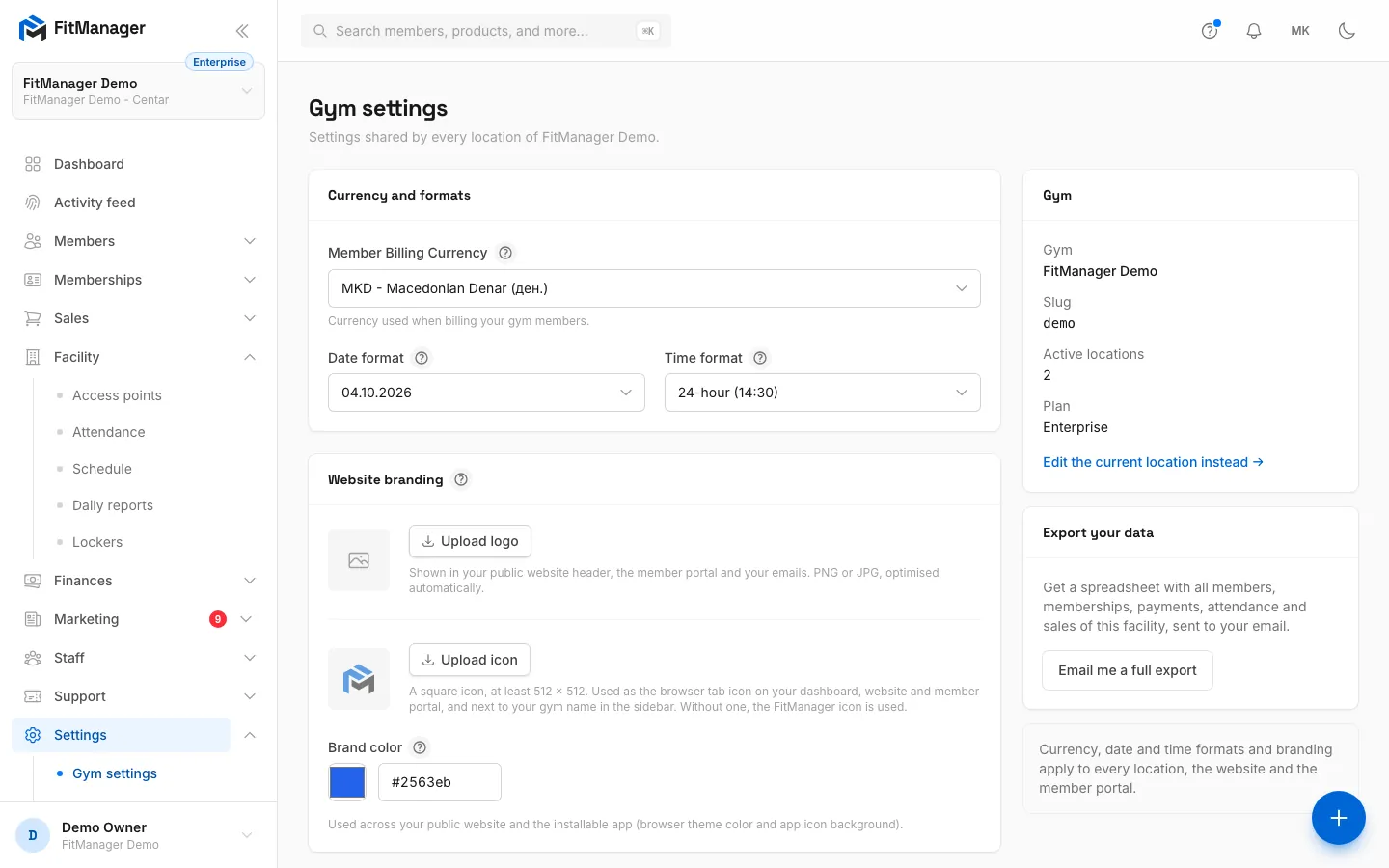
Your FitManager plan, add-ons, invoices and gym settings.
5 articles
Support
Tickets, troubleshooting and frequently asked questions.
4 articles
For members
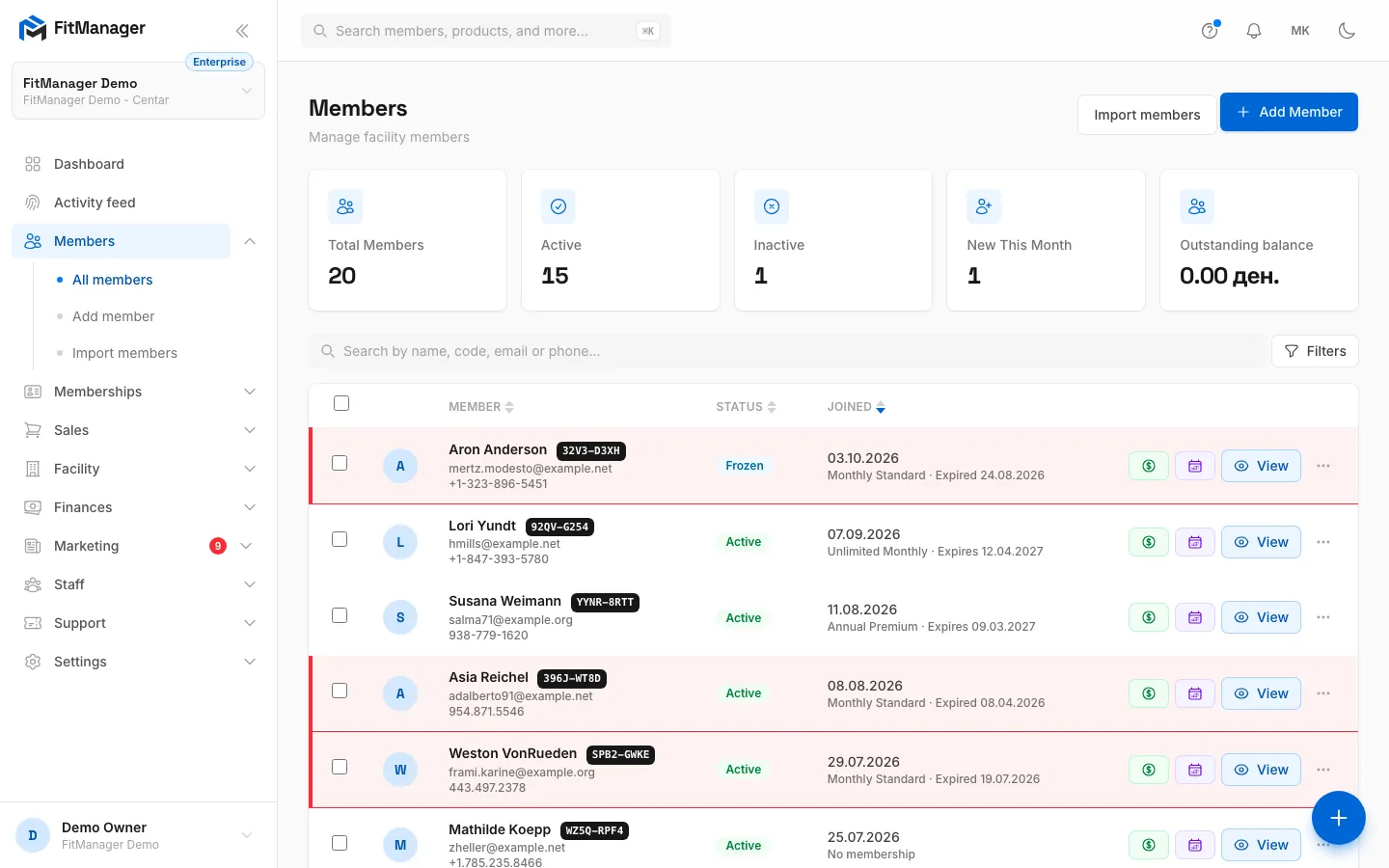
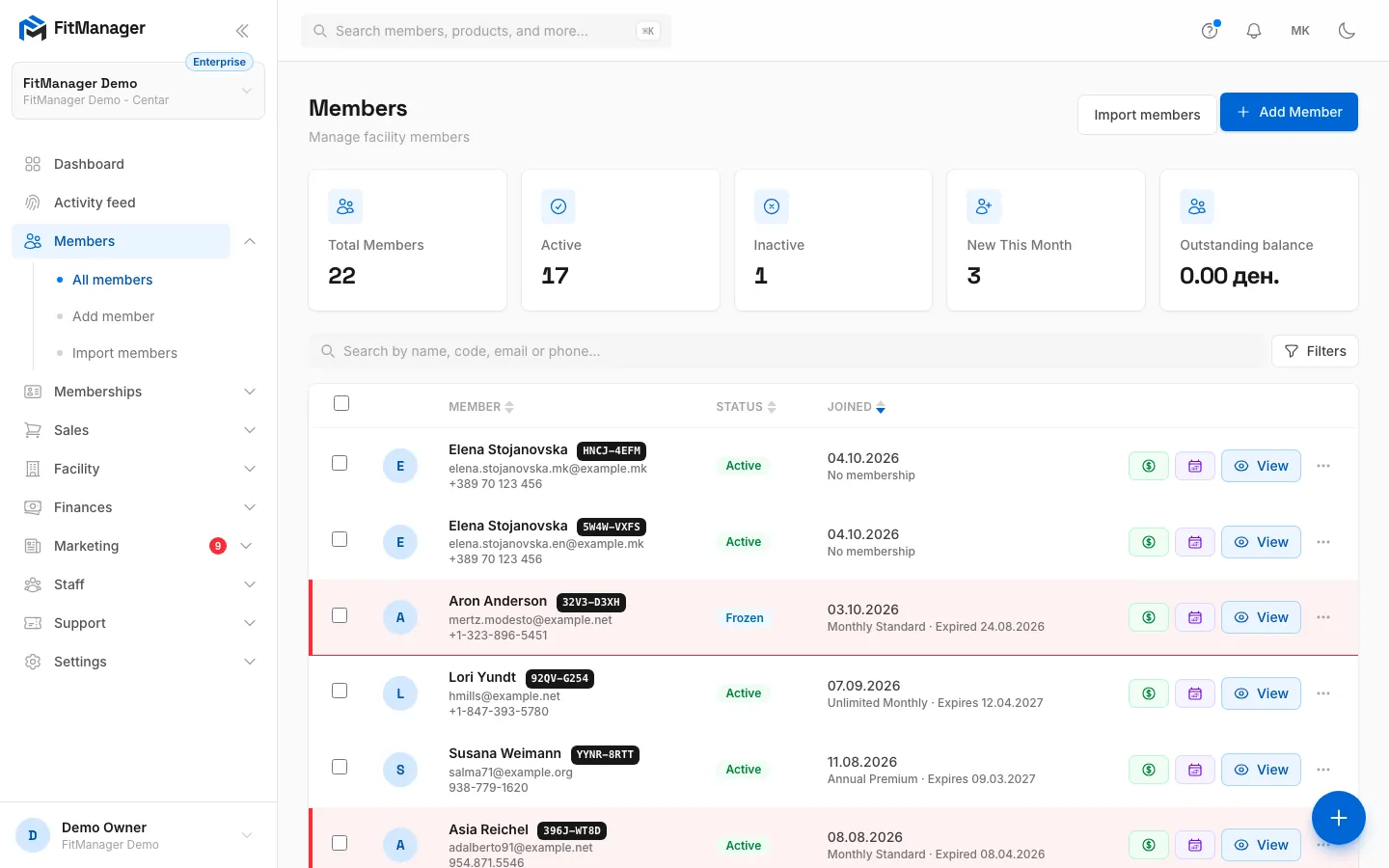
Interactive walkthroughs
Click through real screens, one step at a time.
Still stuck?
Write to us and we will get back to you within one working day.