The FitManager
Gym App
The staff app for the whole team: check members in, open the door, sell at the desk, manage the timetable and get alerts, on any device your staff already use.
One app, six platforms. It talks to the same gym as your dashboard, so nothing needs setting up twice.
Be first to know
Leave your email and we will write when the Gym App ships. Nothing else.
What your team gets
Everything the front desk does today, in an app that opens in a second.
Check-in and door open
Scan a card or a QR code, see the membership state and open the door from the app.
Sales and receipts
Sell plans and products, take cash or card, print the fiscal receipt on the reception printer.
Schedule and enrolment
Today's classes, who is booked, who showed up, and a spot for the walk-in.
Member lookup
Find anyone by name, number or card, see their plan, payments and visits, and note a freeze.
Alerts
Door offline, payment failed, class nearly full. The app tells you before a member does.
Works at the desk
On Windows, macOS and Linux it sits next to FitManager Control and the printer. On phones it goes where you go.
A preview
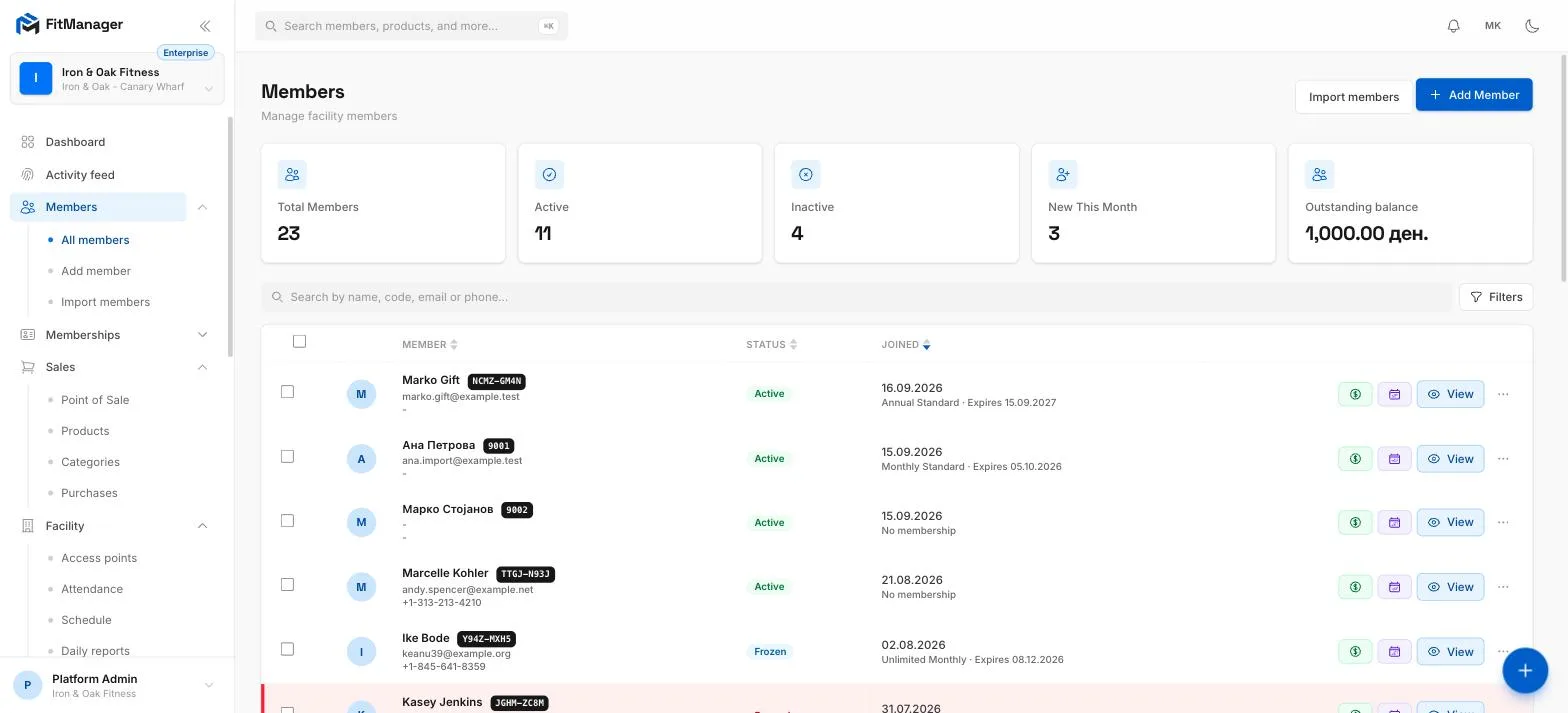
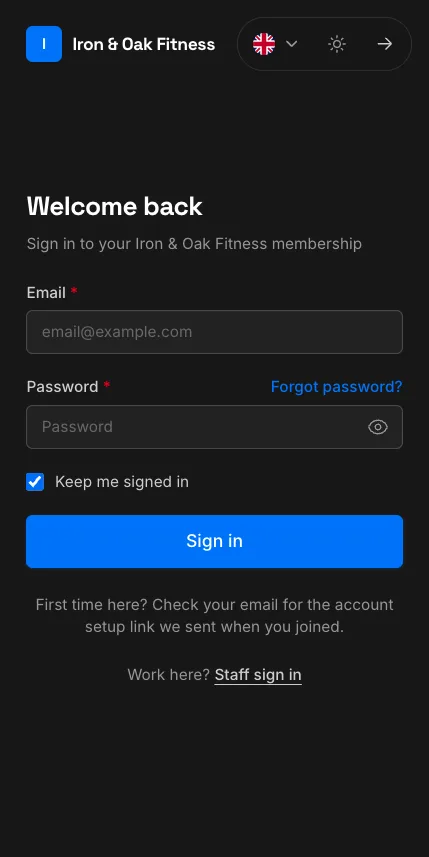
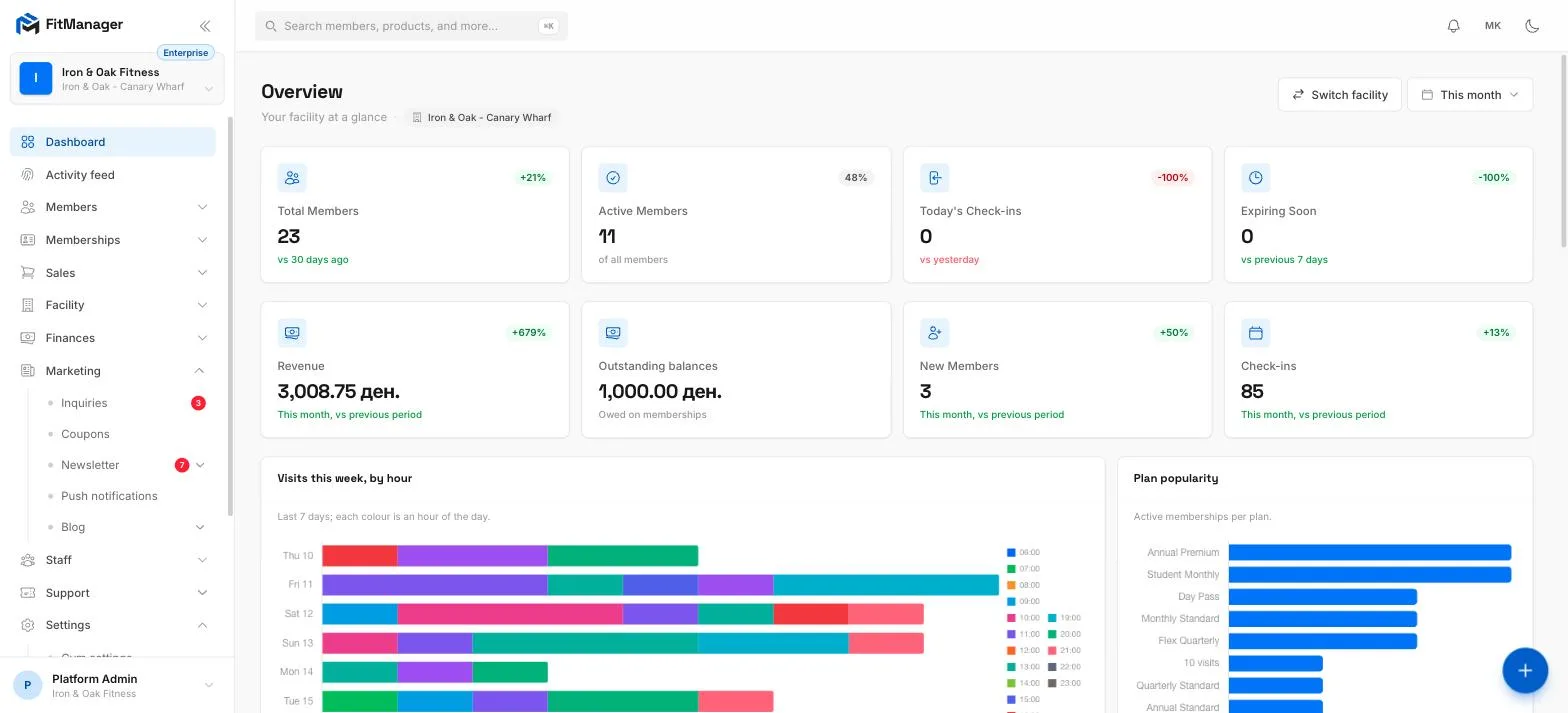
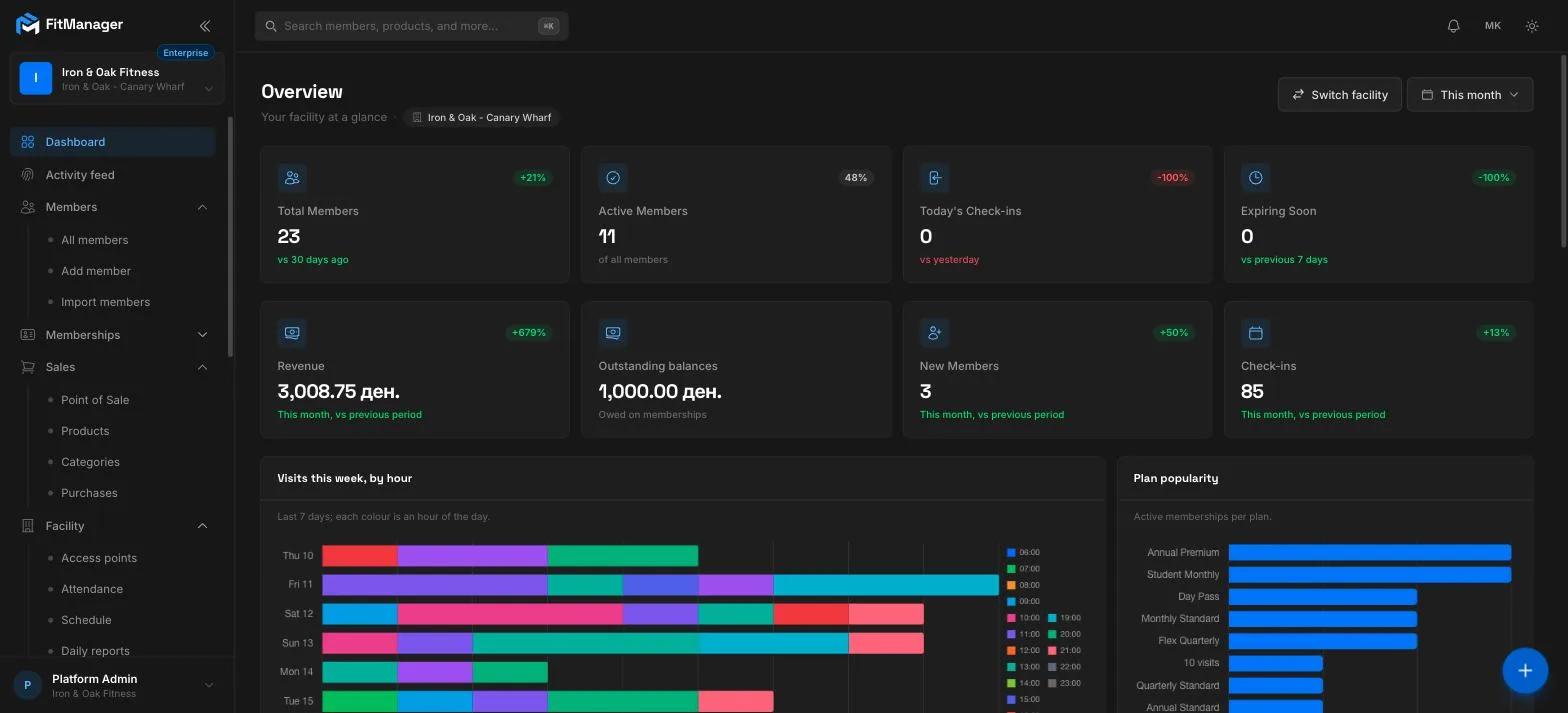
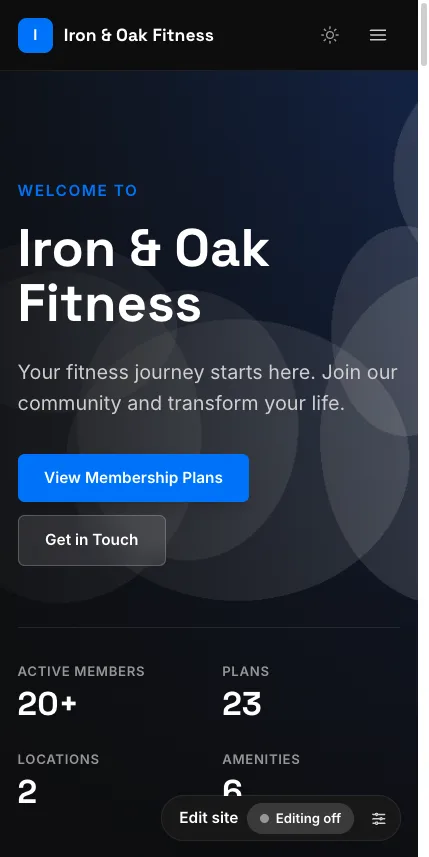
The Gym App uses the same building blocks as the dashboard and the member portal. Here is what those look like today.
Also for the front desk
Two Windows apps that talk to the hardware.
The member app
For your members: remaining days, visit history and scanning in at the door, from their phone. On iOS and Android.
The iOS and Android apps are being prepared. Members can use the portal in their browser today, and add it to the home screen.
Installing the Android package
Until the app is in Google Play it is distributed directly as an Android package (APK). Installing takes under a minute.
- 1 Download the APK Tap the "Download for Android" button above and wait for the file to finish downloading.
- 2 Allow unknown sources When prompted, allow your browser to install apps. On Android: Settings → Apps → Special access → Install unknown apps → enable for your browser.
- 3 Open the file Open the downloaded app.apk from your notifications or Files app, then tap Install.
- 4 Sign in Open the app, enter your gym address if asked, then sign in with the email and password from your welcome email.
Ready to run your gym from one place?
Book a demo or pick a plan today. Monthly billing, no lock-in, and we set the gym up with you.