Buy or renew a plan in the shop
Renew, upgrade or gift a membership plan online from the member portal, and what happens after you pay.
The Shop lets you buy a new membership plan without going to the front desk: renew the plan you have, move to a different one, or buy one as a gift for a friend. Your details are filled in for you.
The shop sells membership plans and visit packs. Drinks, supplements and other products are bought at the front desk.
Open the shop
Open Shop in the menu. You can also tap Renew membership on the Overview or the Membership page, or Browse plans under Settings.
Buy a plan
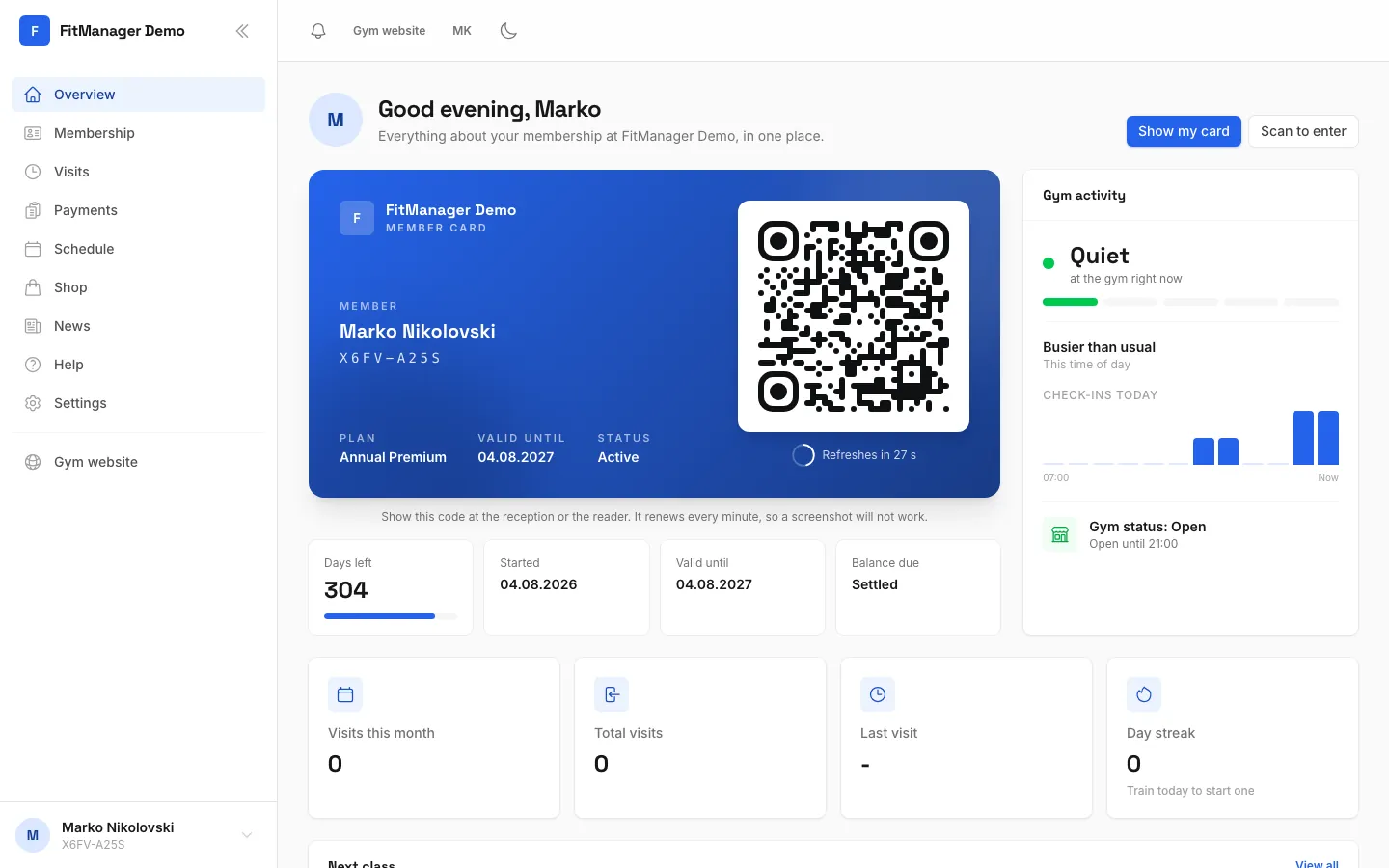
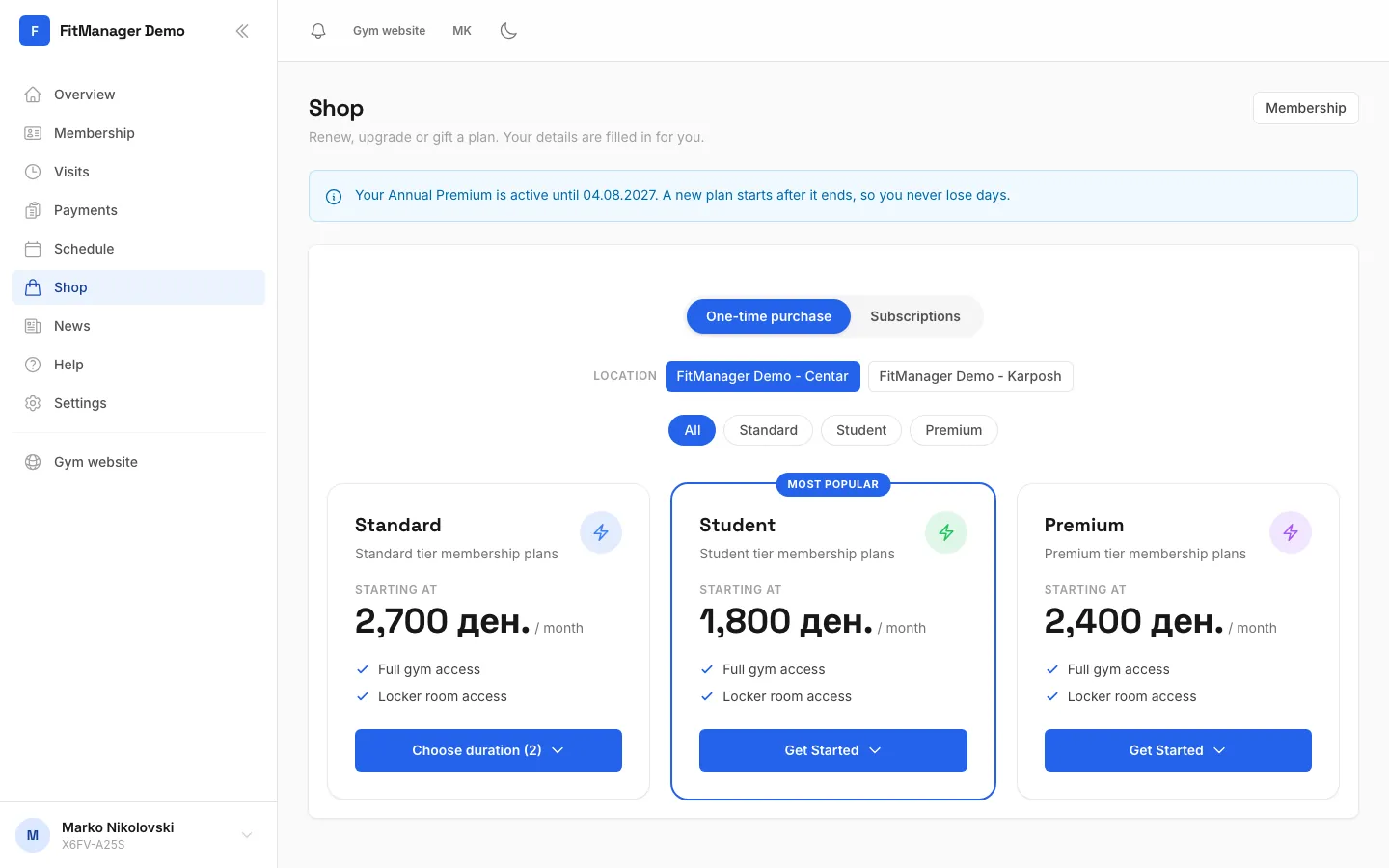
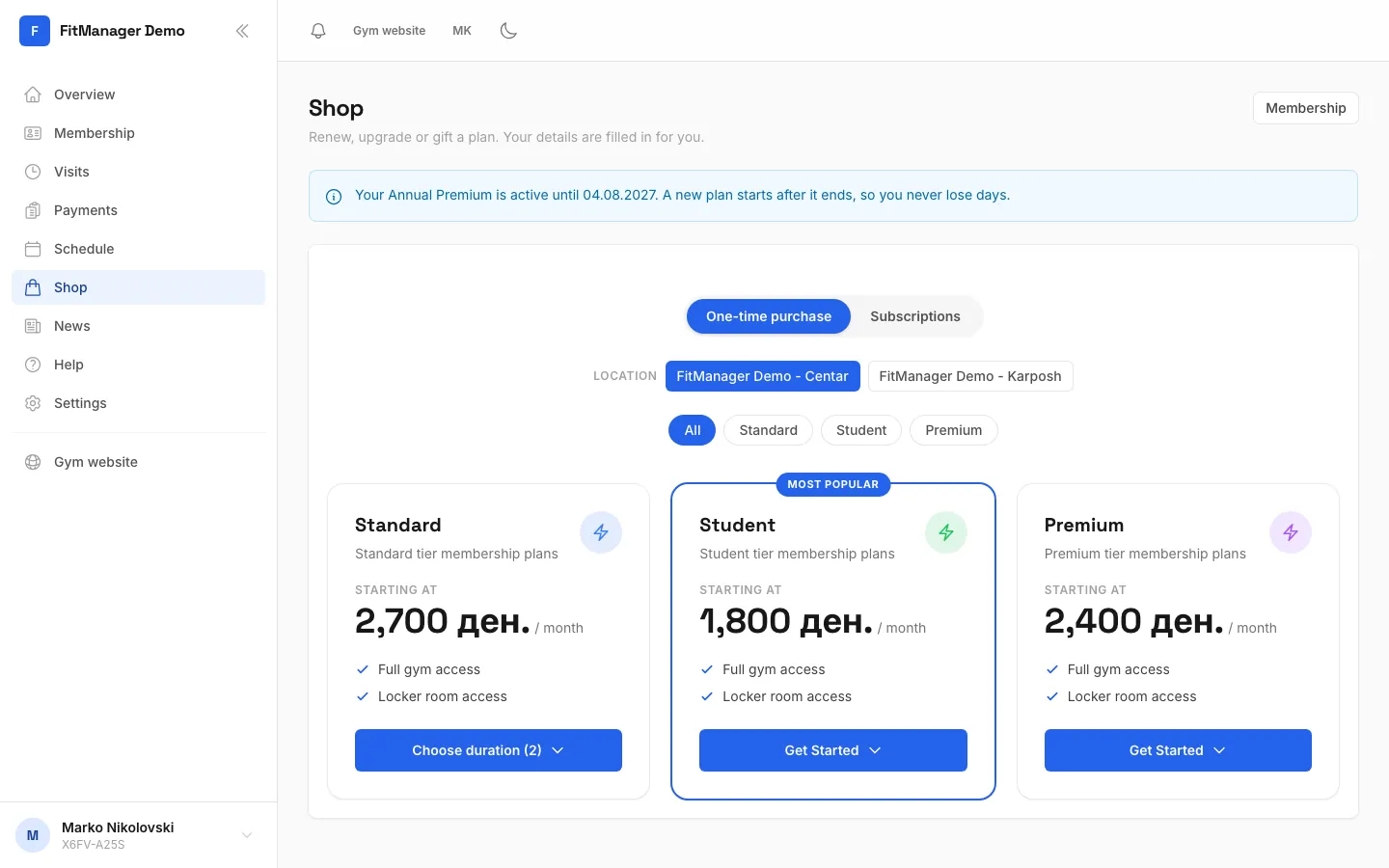
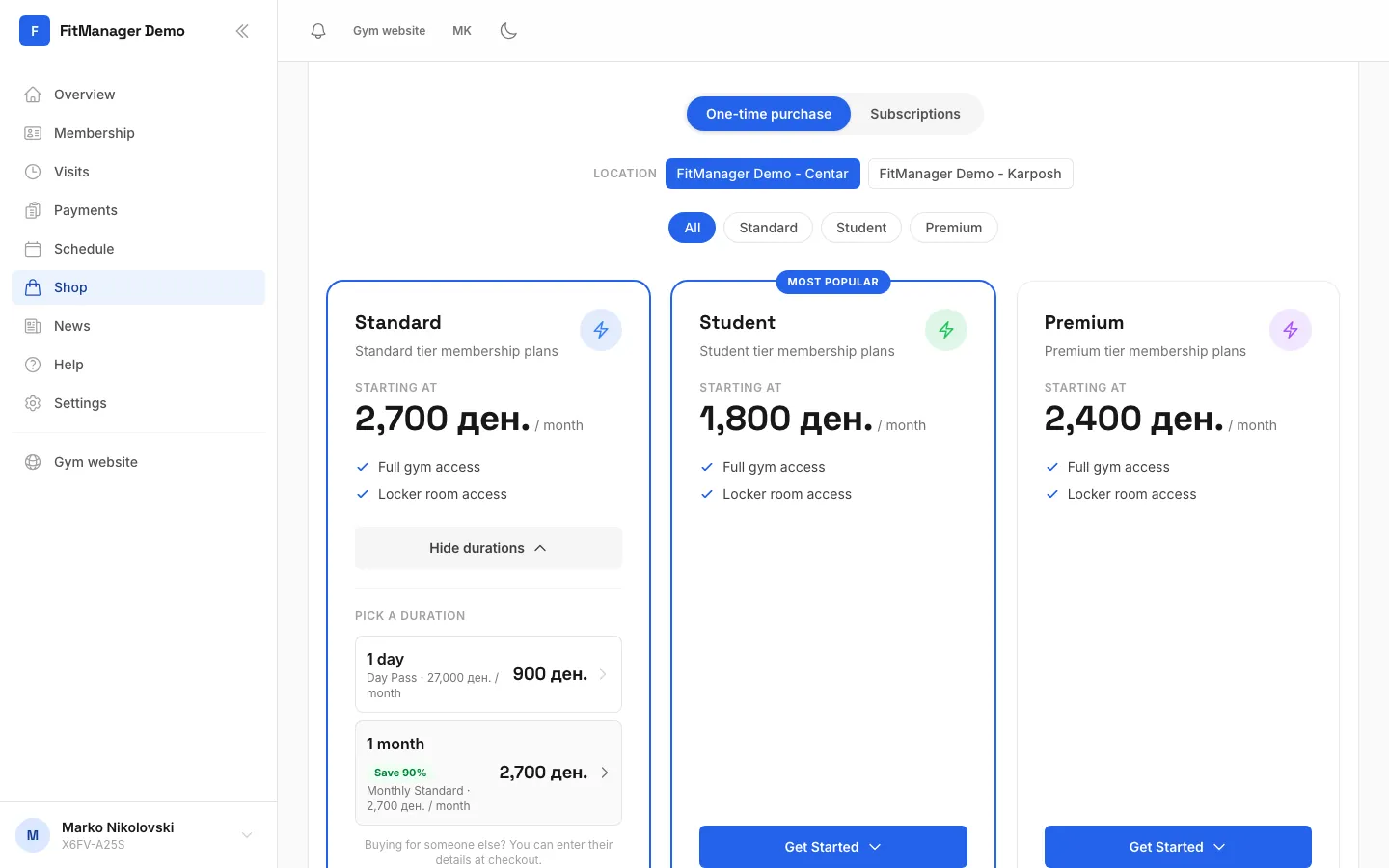
- Step 1: Open Shop in the menu.
- Step 2: Choose a one-time purchase or a subscription that renews by itself.
- Step 3: Tap the button under the plan you like to see its durations.
- Step 4: Tap a duration to go to checkout.
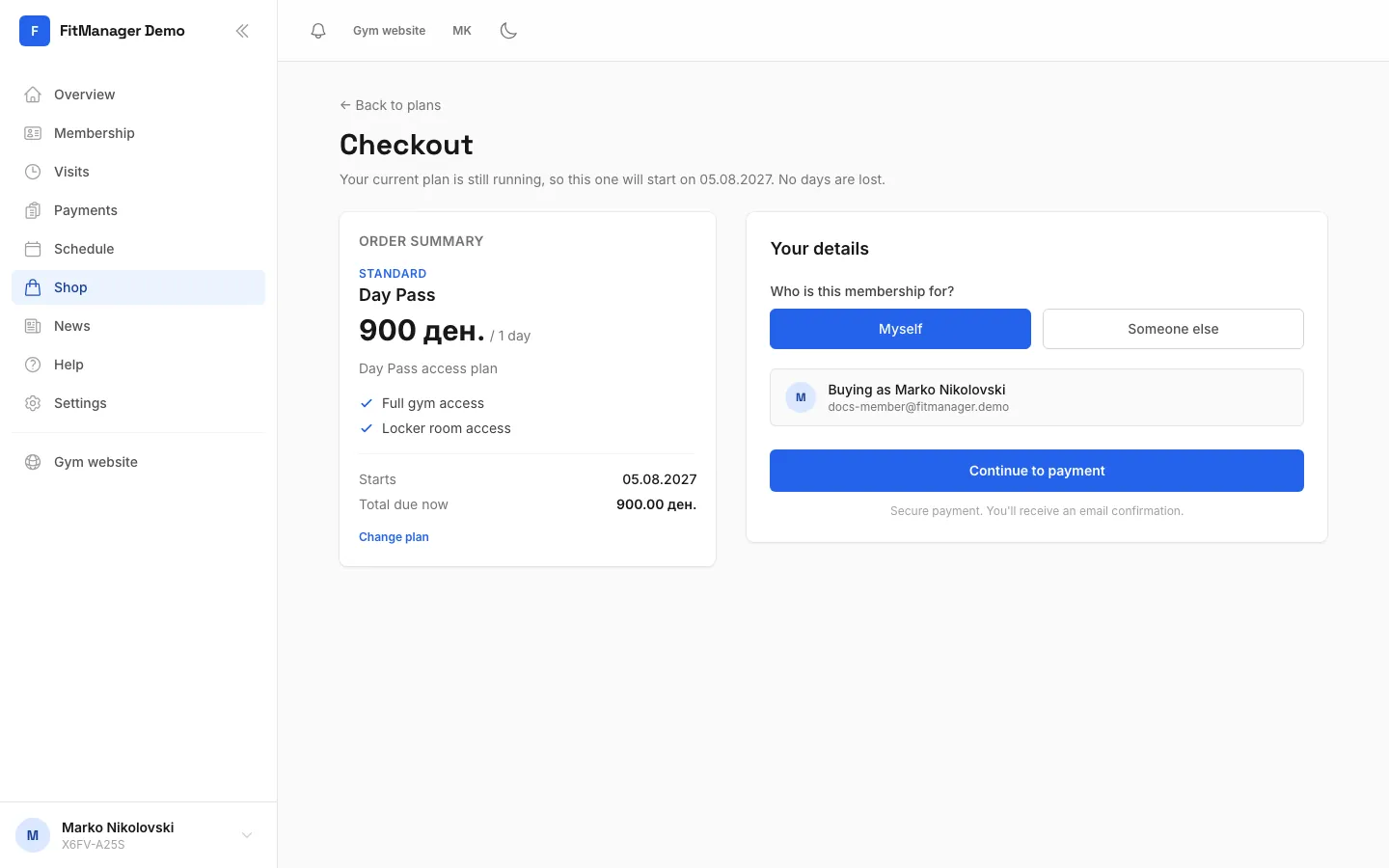
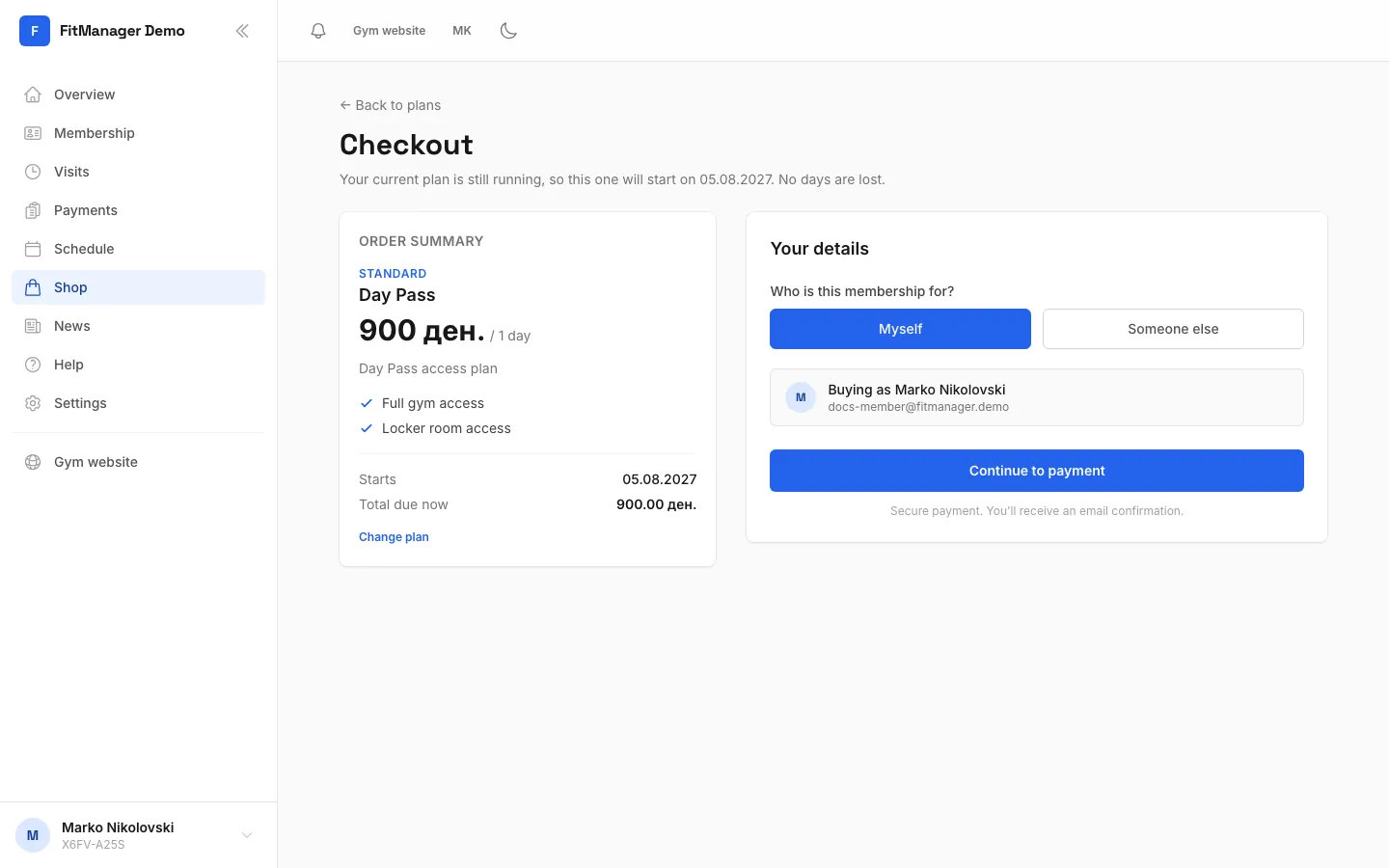
- Step 5: Your details are already filled in. Choose Myself, or Someone else to give the plan as a gift.
- Step 6: Tap Continue to payment.
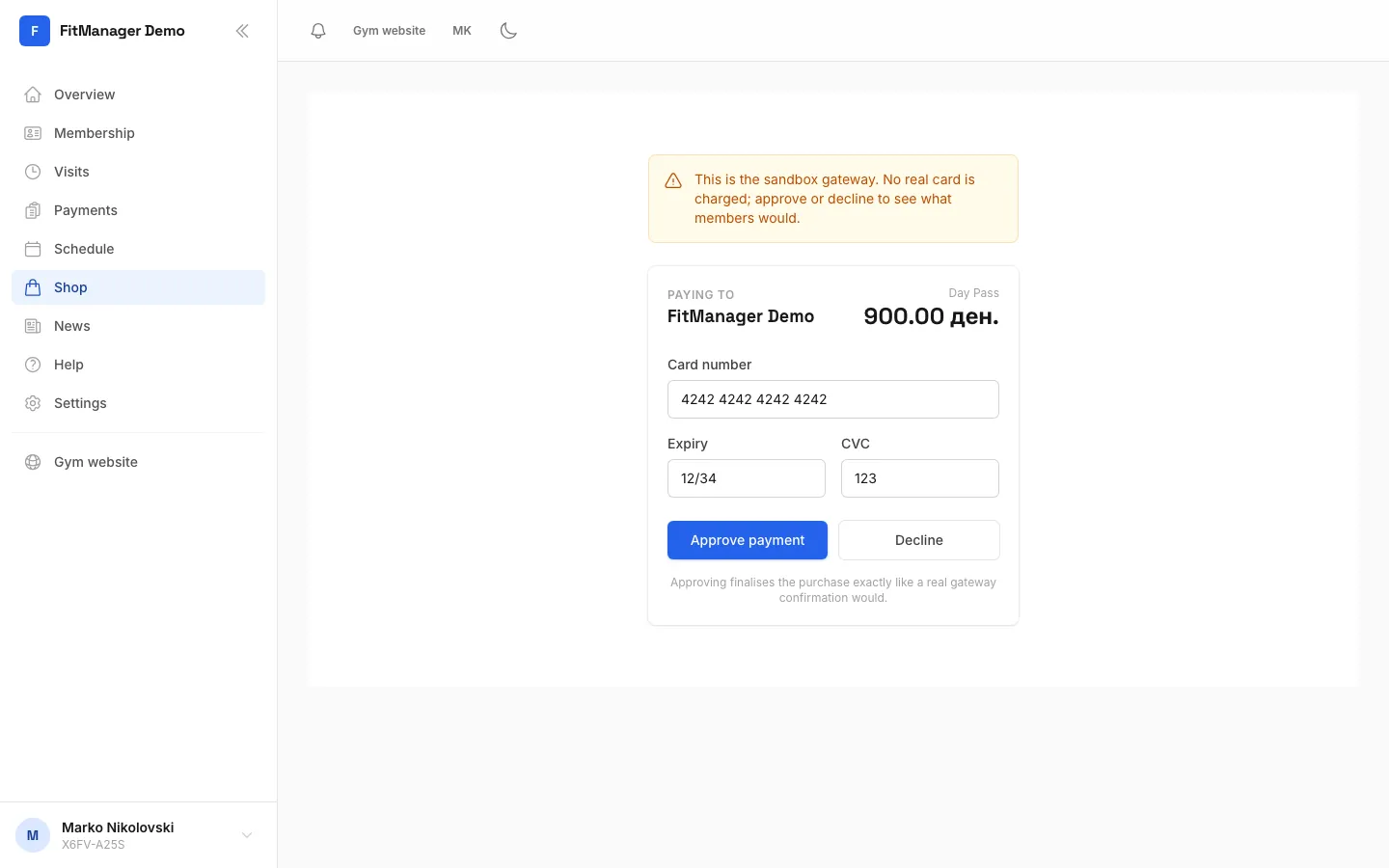
- Step 7: Enter your card on the payment page and confirm. This demo uses a test gateway, so nothing is charged.
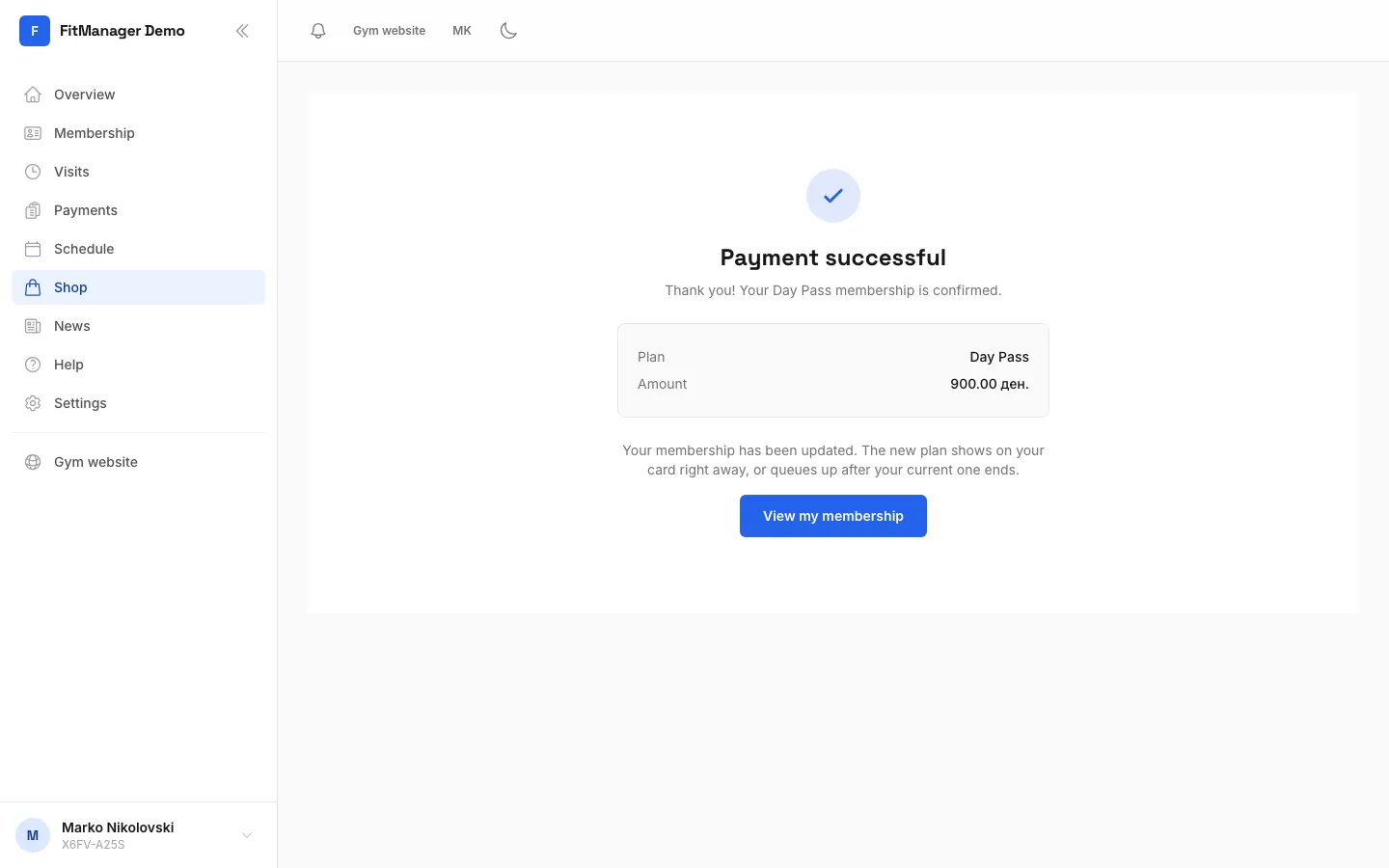
- Step 8: Done. The new plan is on your card right away, or starts when your current one ends.
- Choose One-time purchase for a plan you pay once, or Subscriptions for a plan that renews by itself.
- If your gym has more than one location, pick yours under Location. Use the category buttons to narrow the list.
- Under the plan you want, tap Choose duration (or Get Started if it has one duration).
- Under Pick a duration, tap the length you want. Longer durations show how much you save.
- On Checkout, check the Order Summary: the plan, when it Starts and the Total due now.
- Under Who is this membership for?, choose Myself or Someone else.
- Tap Continue to payment and pay with your card on the secure payment page.
When the payment goes through you see Payment successful, and a confirmation email is on its way. Tap View my membership to see your new plan.
When does the new plan start?
If your current plan is still running, the new one waits until the day after it ends. The shop tells you this before you buy, and checkout shows the start date. You never lose days by renewing early.
If you have no active plan, the new one starts today.
Buying as a gift
Choose Someone else at checkout and fill in Recipient first name, Recipient last name and Recipient email. They get an email to set up their own account. You pay, and the receipt comes to you.
Subscriptions
A subscription is charged again every period (for example every month) until it is cancelled. There is no cancel button in the portal, so to stop a subscription, ask the front desk.
Common questions
It says online payments are not available
Your gym has not switched on online payments. You see Online payments are not available right now. Plans can be bought at the front desk. Buy your plan at the reception instead.
I closed the payment page by mistake
If you see Checkout cancelled, no money was taken. Go back to the shop and try again.
The payment failed
Nothing was charged if you see Payment could not be completed. Check your card details or try another card. If the money left your account but the plan does not show up, contact the front desk with the date and amount.
Where is my receipt?
The confirmation email is your receipt, and the payment also appears under Payments. See Payments and receipts.
Was this page helpful?
Related articles
Still stuck?
Write to us and we will get back to you within one working day.