Notifications and reminders
Read reminders and receipts from your gym in the portal, and choose whether you also get them by email, SMS or on your phone.
Your gym keeps you up to date with reminders before your membership ends, confirmations of payments and news about your classes. They always land in the portal, and you can choose whether you also get them by email, SMS or as app notifications.
Your notifications in the portal
Tap the bell at the top of the page to open Notifications. A red number on the bell shows how many you have not read yet. Your newest unread notifications are also on the Overview.
In Notifications you see each message with when it arrived. Unread ones are marked with a dot.
- Tap Mark read next to a message once you have seen it.
- Tap Mark all as read at the top to clear them all.
What you can get here:
- A reminder a few days before your membership ends, and a note when it has ended.
- Payment of an amount received, when the gym records a payment for your plan.
- Class reminders, and a note when a class you are in moves or is cancelled, if your gym runs classes.
Notifications inside the portal are always on.
Choose how else you get reminders
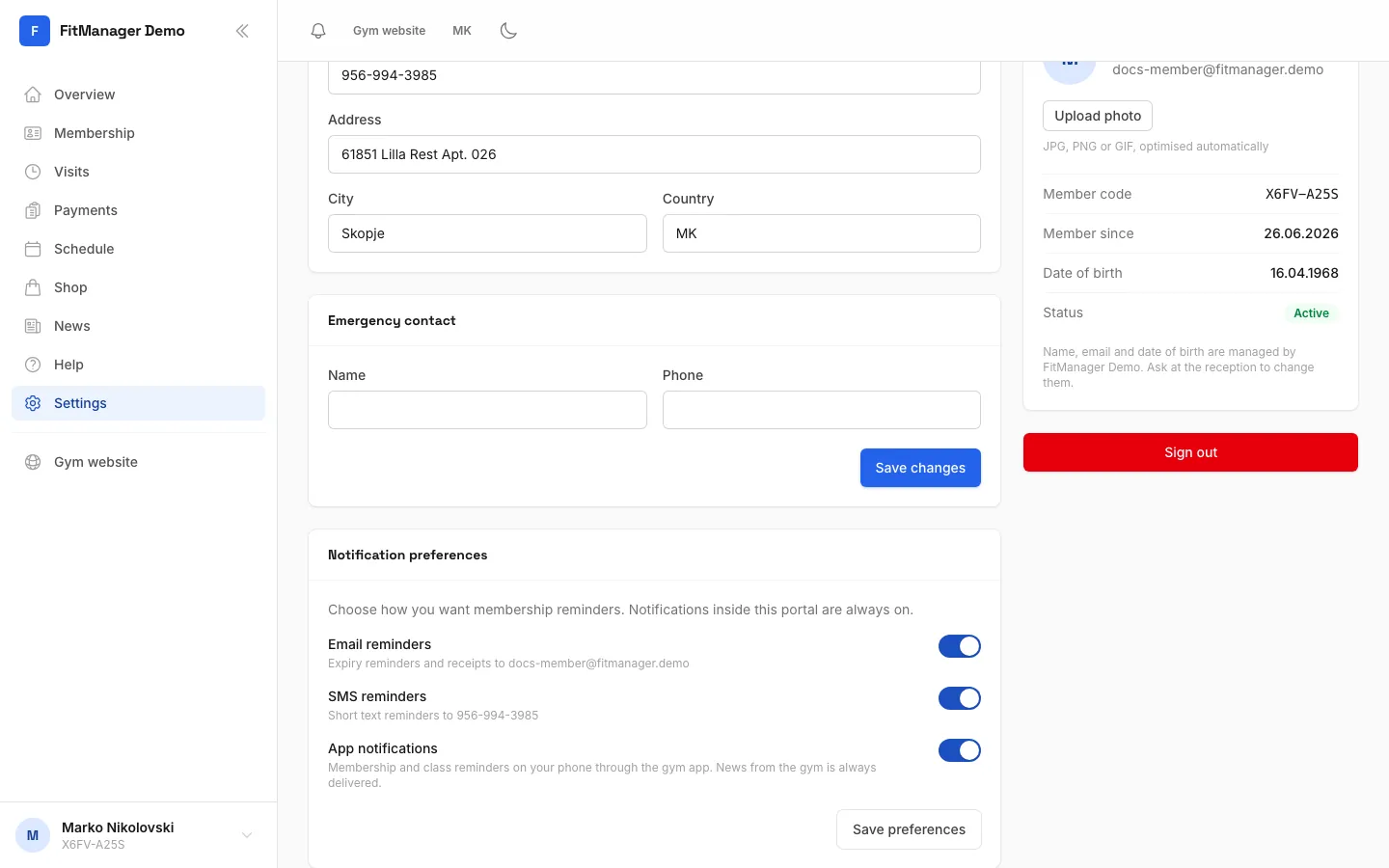
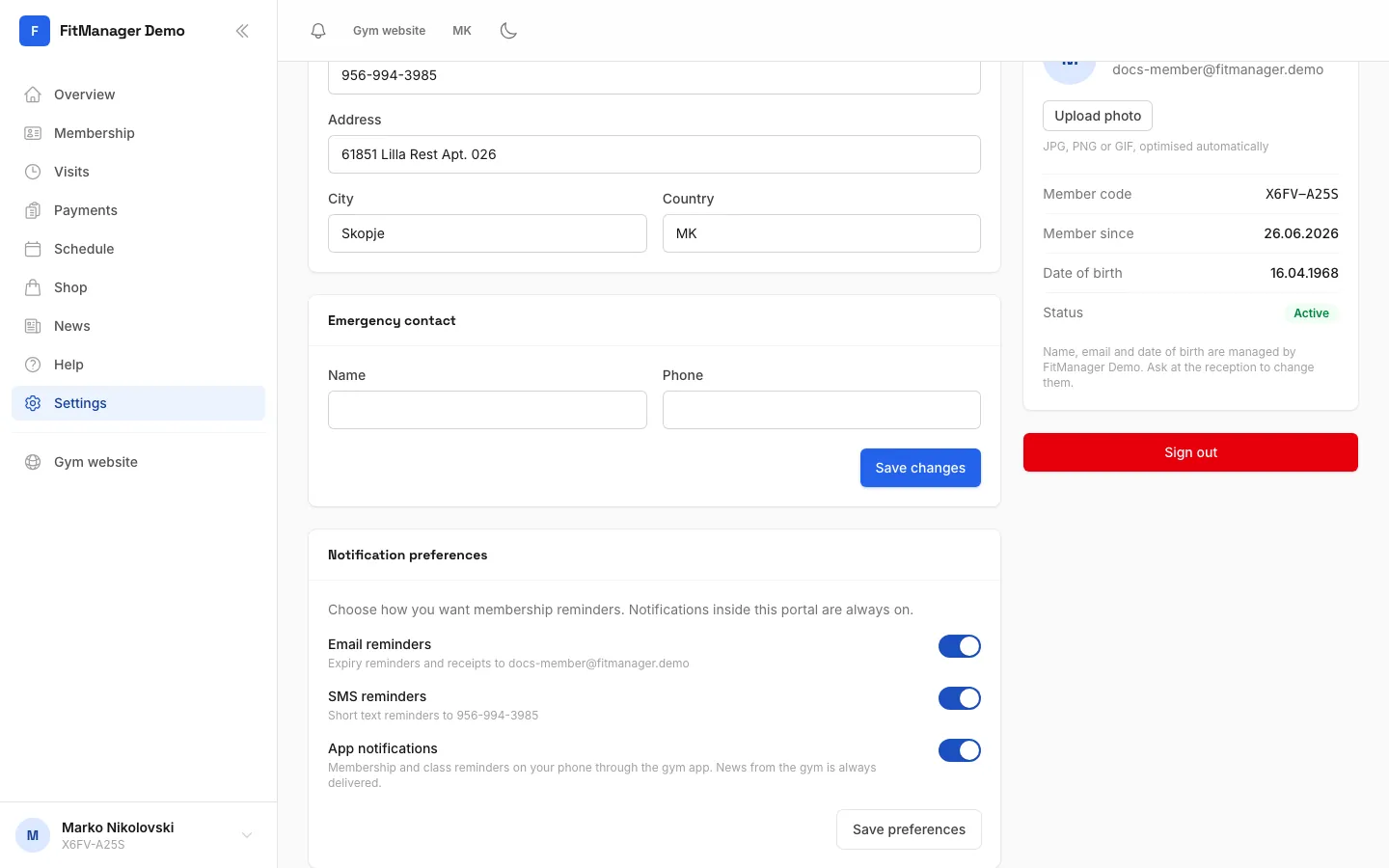
- Open Settings, then tap your name (Edit contact details and password) to open your Profile.
- Find Notification preferences.
- Switch on or off:
- Email reminders: expiry reminders and receipts to your email.
- SMS reminders: short text reminders to your phone number.
- App notifications: membership and class reminders on your phone through the gym app. This switch only shows if your gym sends app notifications.
- Tap Save preferences.
Your gym decides which of these channels it uses at all. Switching one on here only means you are happy to receive it, so you may not get SMS if your gym does not send SMS.
App notifications cover reminders only. News and announcements the gym sends to everyone's phone are always delivered while the app is installed and allowed to send notifications.
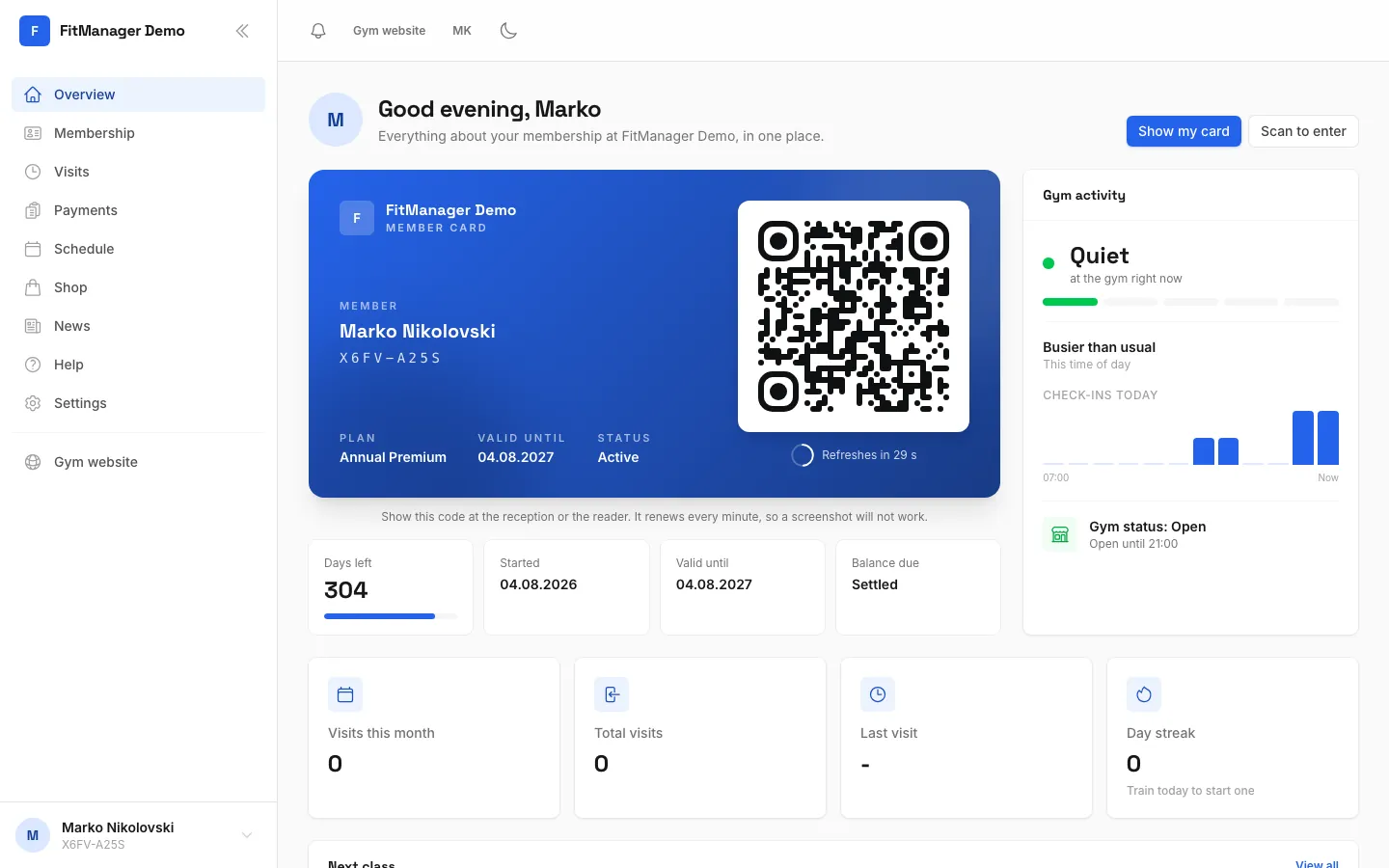
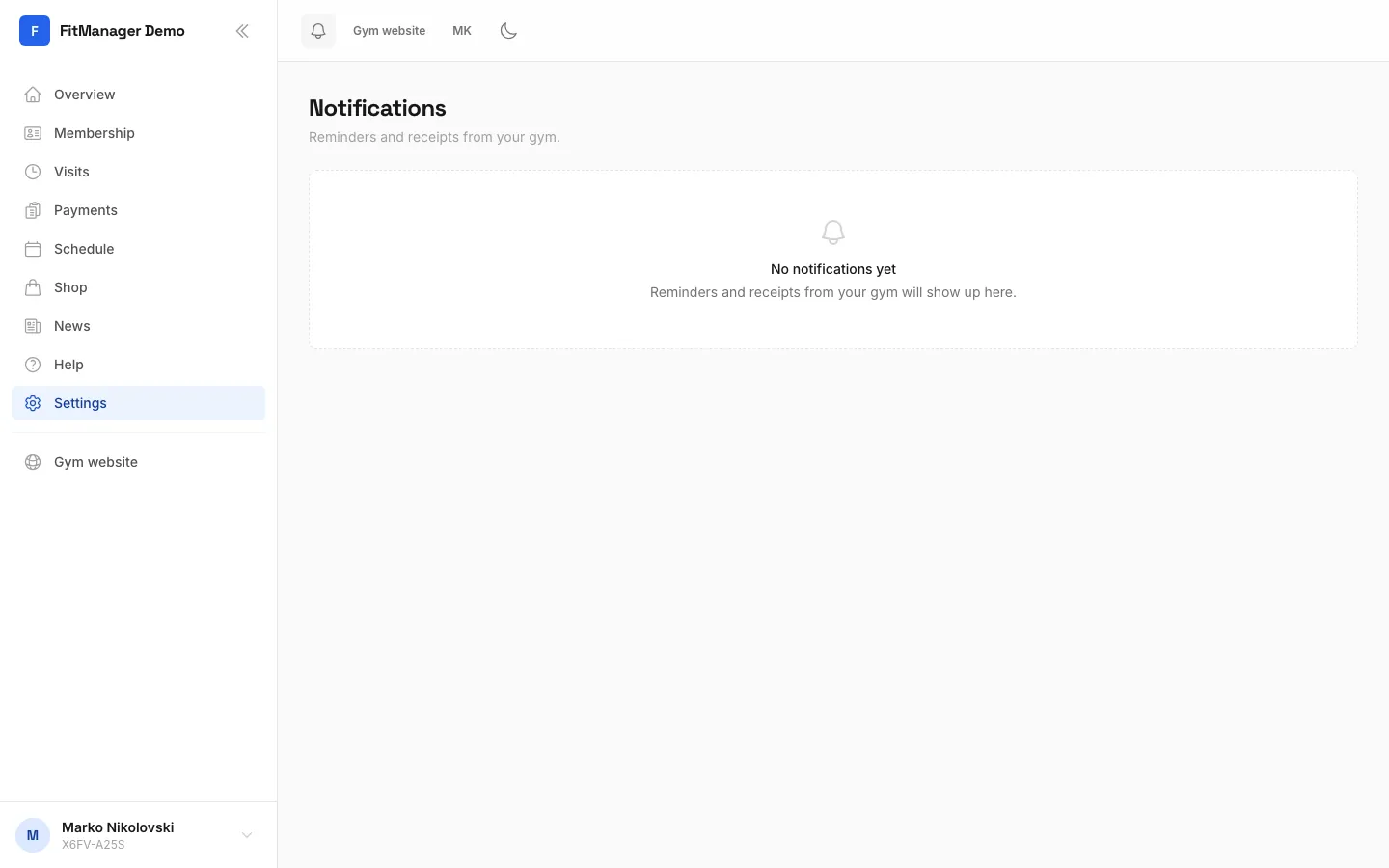
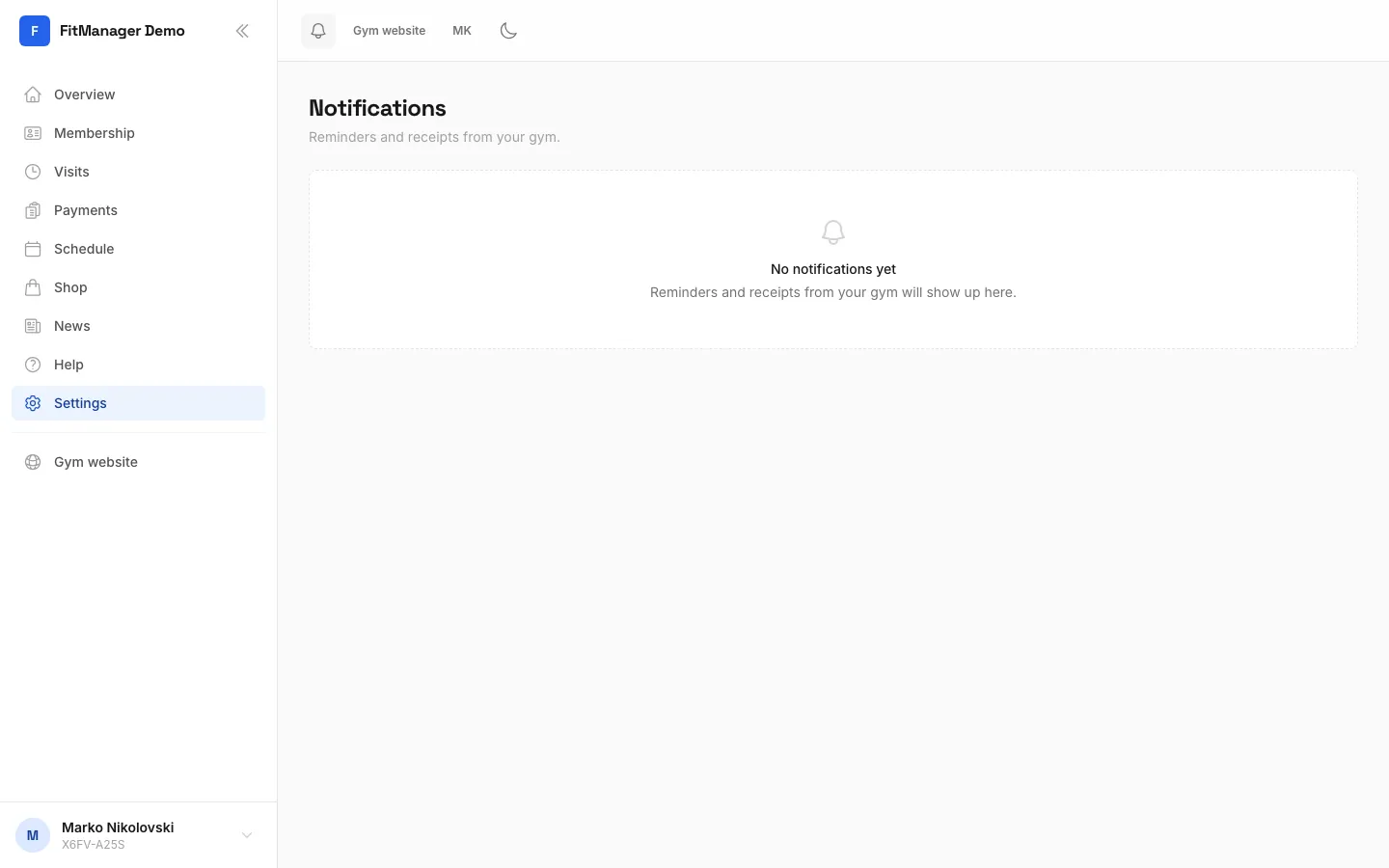
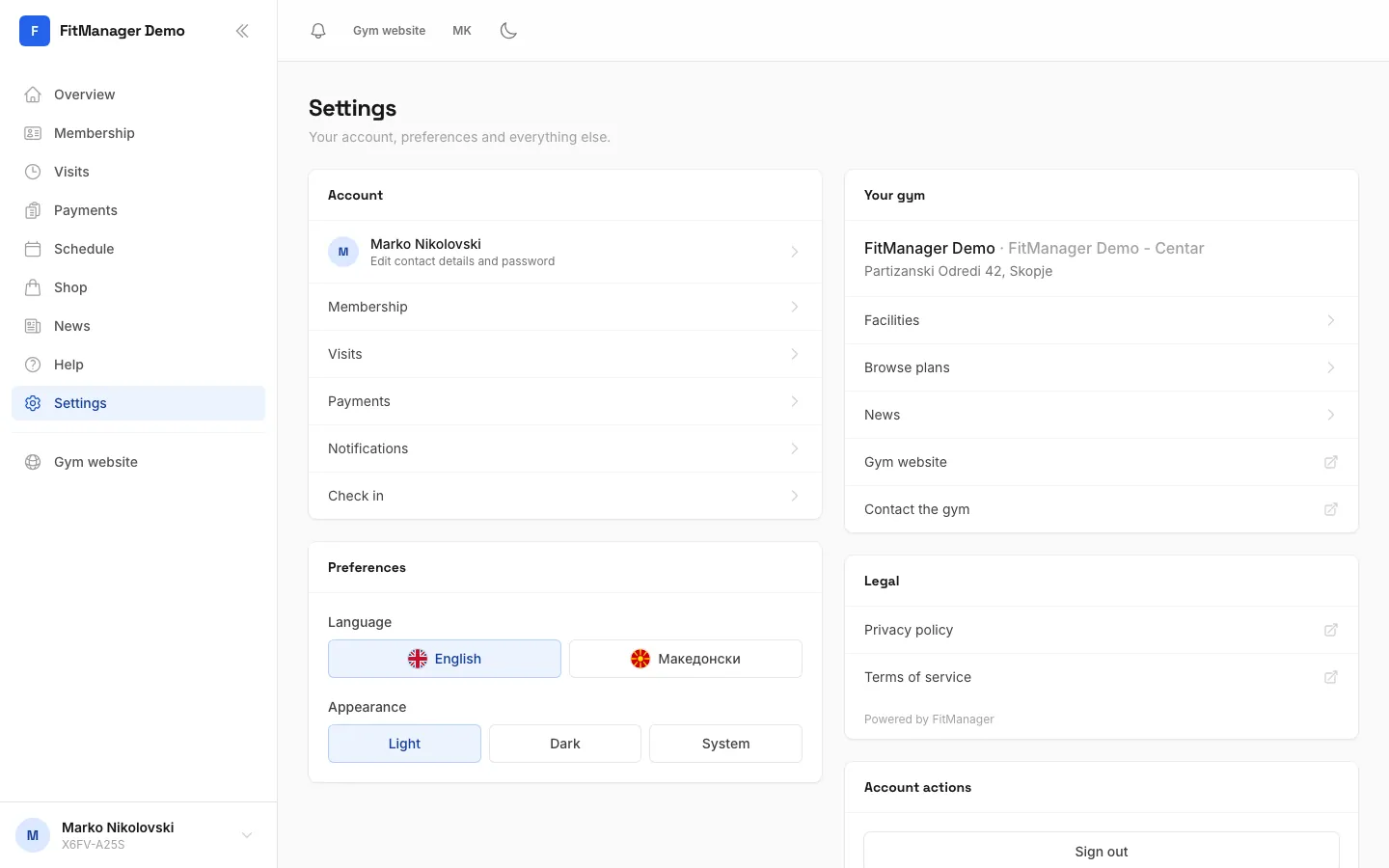
- Step 1: Tap the bell at the top to open your notifications.
- Step 2: Your messages from the gym are here. Unread ones have a dot.
- Step 3: To choose how else you hear from the gym, open Settings.
- Step 4: Tap your name to open your profile.
- Step 5: Switch email, SMS or app reminders on or off.
- Step 6: Then tap Save preferences.
Not getting reminders?
- Email: if you see Add an email at the reception to receive these., the gym has no email for you. Ask them to add it. Also check your spam folder.
- SMS: if you see Add a phone number below to receive these., add your number under Contact information on the same page and tap Save changes.
- App: install your gym's app, sign in, and allow notifications when your phone asks. If you said no before, turn notifications on for the app in your phone's settings. See Install the app.
Was this page helpful?
Related articles
Still stuck?
Write to us and we will get back to you within one working day.