Payments and receipts
See every membership payment and front desk purchase on your account, and where to find your receipts.
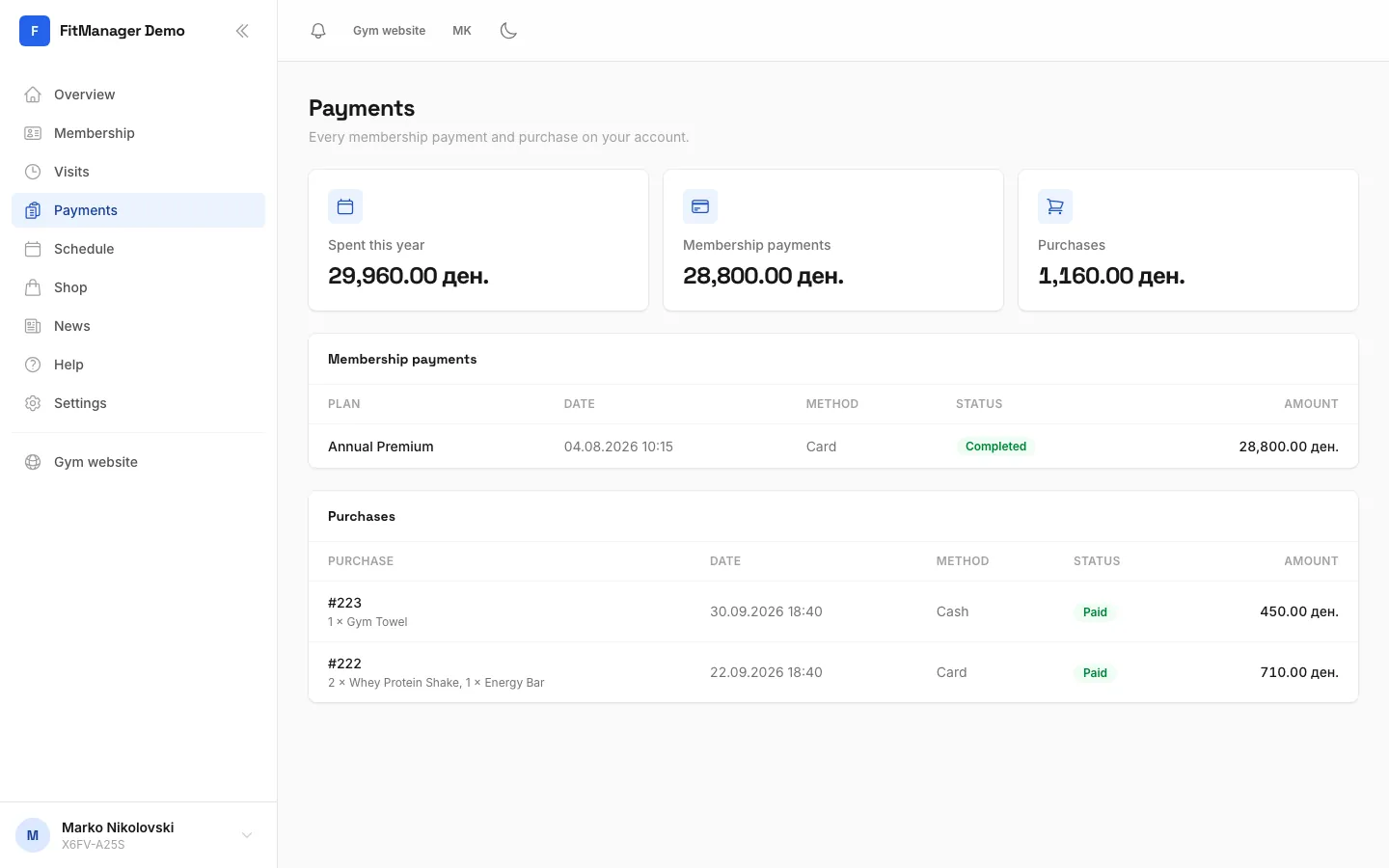
The Payments page lists everything you have paid at this gym: your membership payments, at the desk or online, and anything bought at the front desk on your account.
Open your payments
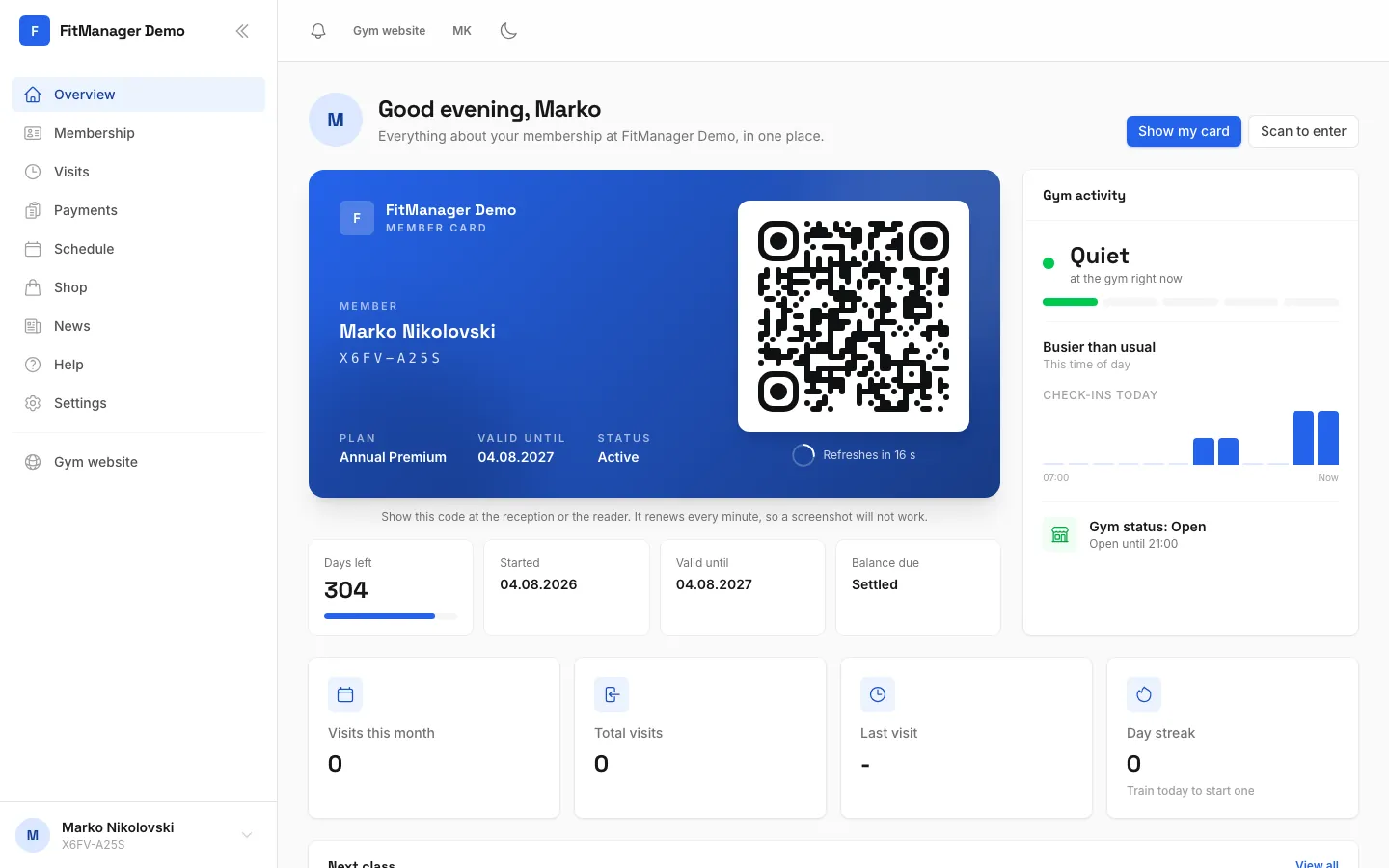
Open Payments in the menu, or tap Payments in the bottom bar on your phone. Your latest payments are also on the Overview under Recent payments.
What you see
At the top, three totals:
- Spent this year: everything paid since 1 January.
- Membership payments: everything paid for memberships.
- Purchases: everything bought at the front desk.
Below them are two lists.
Membership payments shows each payment for a plan:
| Column | What it shows |
|---|---|
| Plan | The plan the payment was for. |
| Date | When it was paid. |
| Method | Cash, Card, Bank Transfer, Online or Other. |
| Status | For example Completed, Pending or Refunded. |
| Amount | How much was paid. |
Purchases shows products bought at the front desk on your account, with the order number, the items, the date, the method, the status and the total.
A plan can be paid in parts. Each part is a separate line, and the Membership page shows how much of the price is still open.
Receipts
- Online payments: you get a confirmation email after paying in the shop. Keep it as your receipt.
- Payments at the front desk: you get the receipt from the gym at the desk. You may also get a notification in the portal that says Payment of the amount received, with what is still open on the plan.
The portal does not create invoices or printable receipts. If you need a copy, an invoice for your company, or a fiscal receipt, ask the front desk.
Common questions
A payment is missing
Payments made at the desk appear once the gym records them. If one is missing after a day, bring your receipt to the front desk.
I was charged twice
Contact the front desk with the date and amount of both charges. Only the gym can refund a payment. A refund shows as Refunded in the list.
Was this page helpful?
Related articles
Still stuck?
Write to us and we will get back to you within one working day.