Delete your account
Close your member account from the portal, what happens to your data, and other options to consider first.
You can close your member account at a gym yourself, from the portal. This signs you out and stops you from signing in again.
Before you delete
Deleting is not the same as ending your membership. Think about what you want:
- Fewer messages? Turn off email, SMS or app reminders instead. See Notifications and reminders.
- Taking a break? Ask the front desk whether they can freeze your membership.
- Stopping a subscription? Ask the front desk to cancel it. Deleting your account does not cancel payments by itself.
- Leaving a second gym only? Your accounts at other gyms are not affected.
Delete your account
- Open Settings.
- Under Account actions, tap Delete my account.
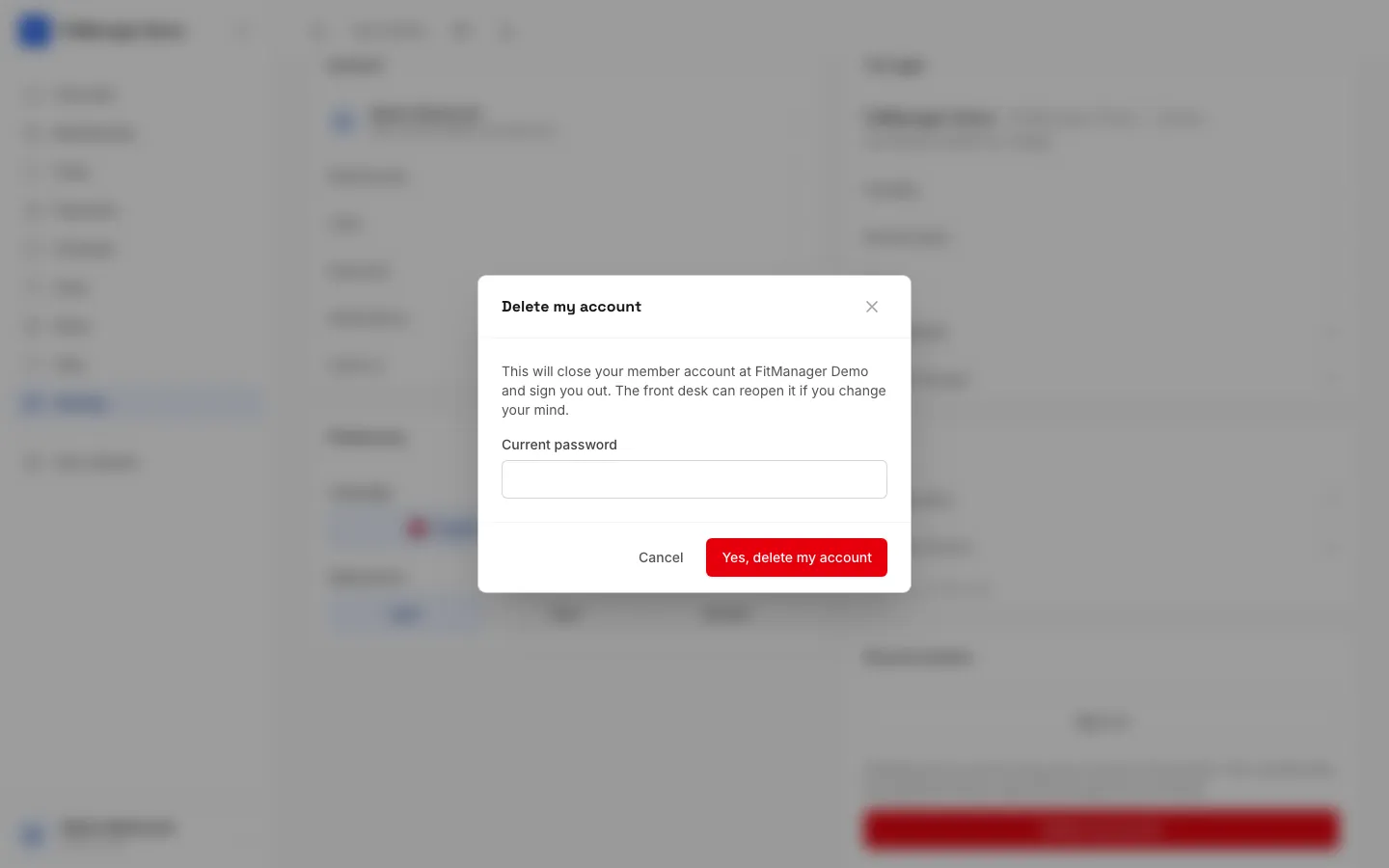
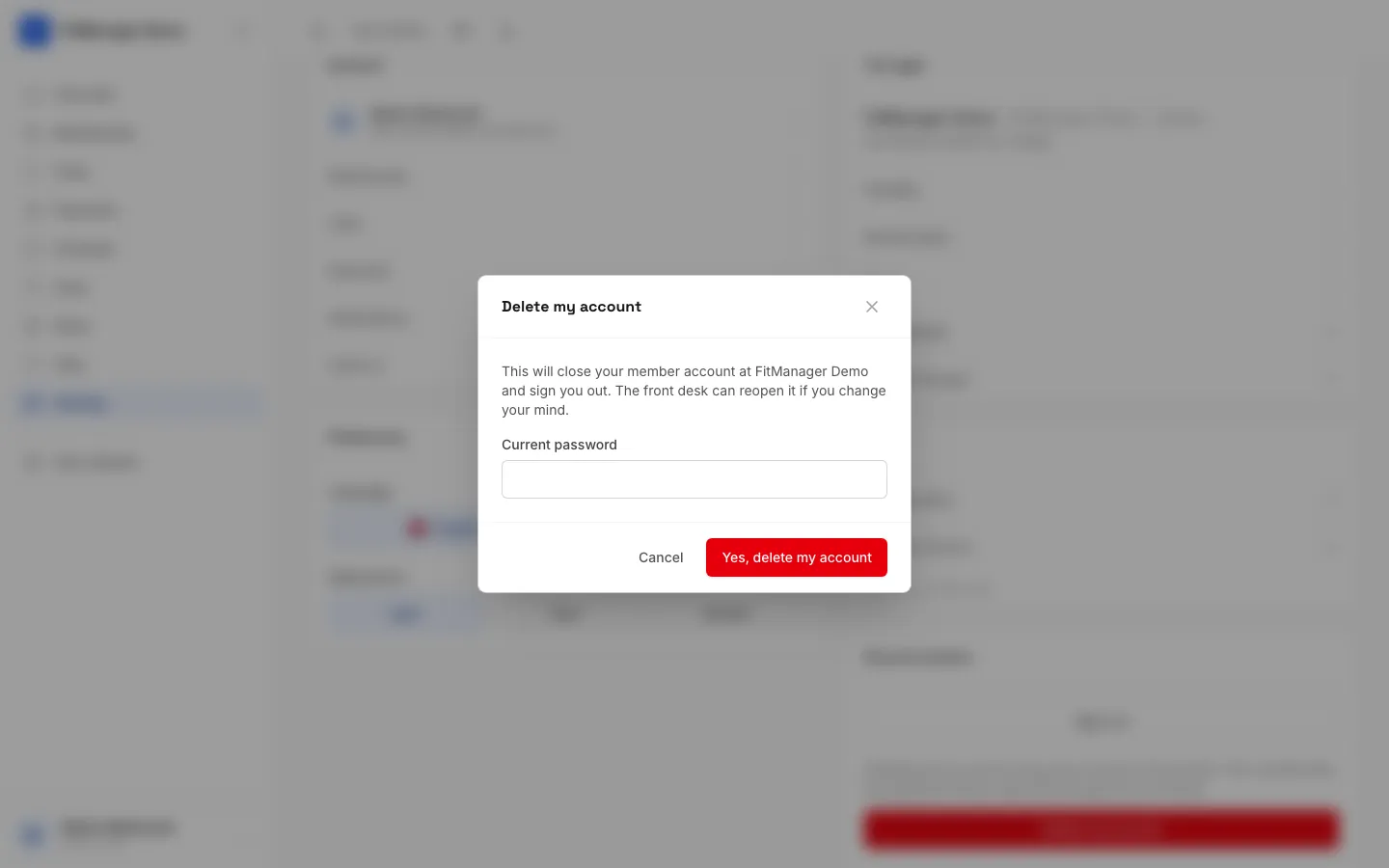
- Read the message. If you have a password, type it in Current password.
- Tap Yes, delete my account.
You are signed out and taken back to the sign-in page.
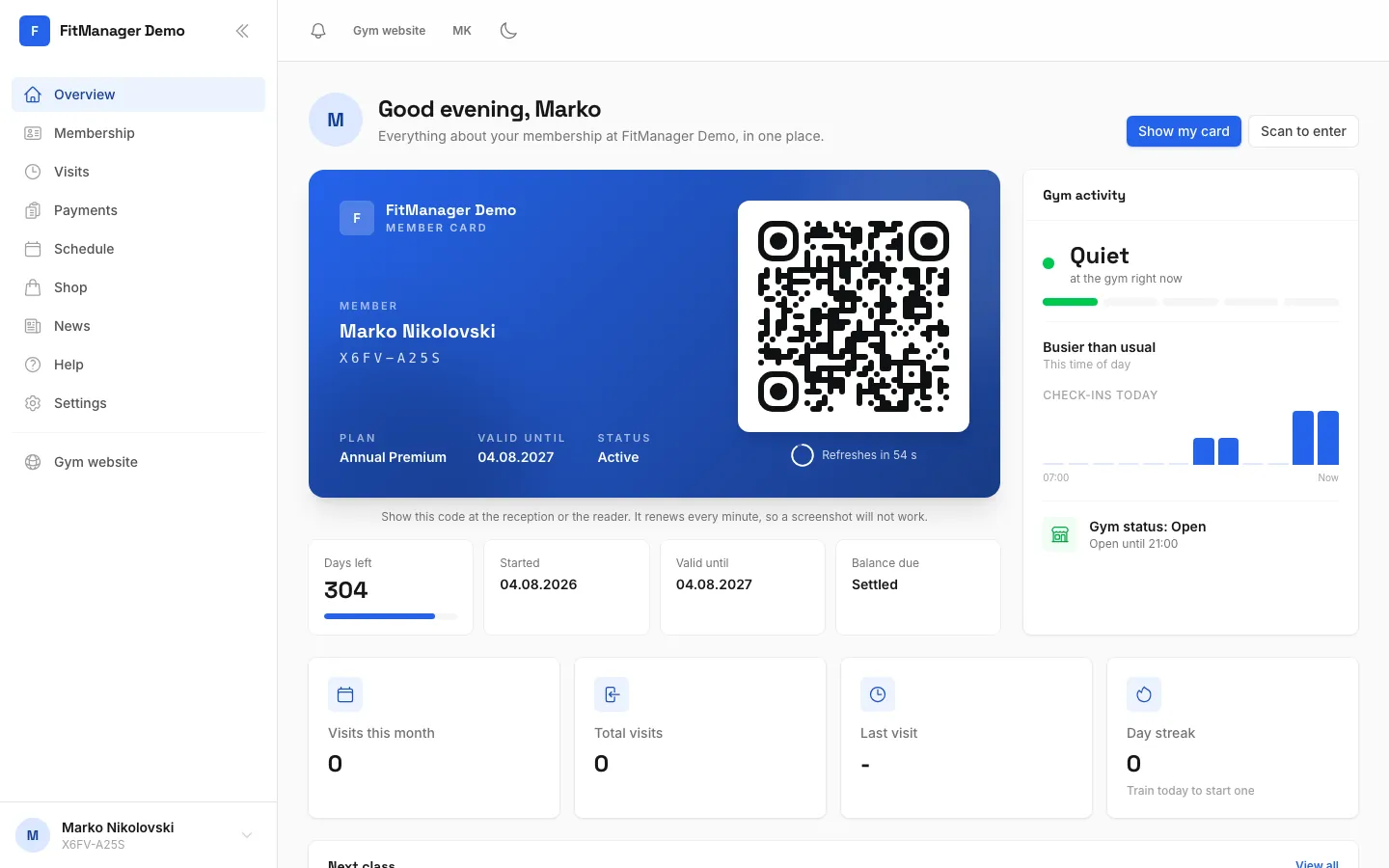
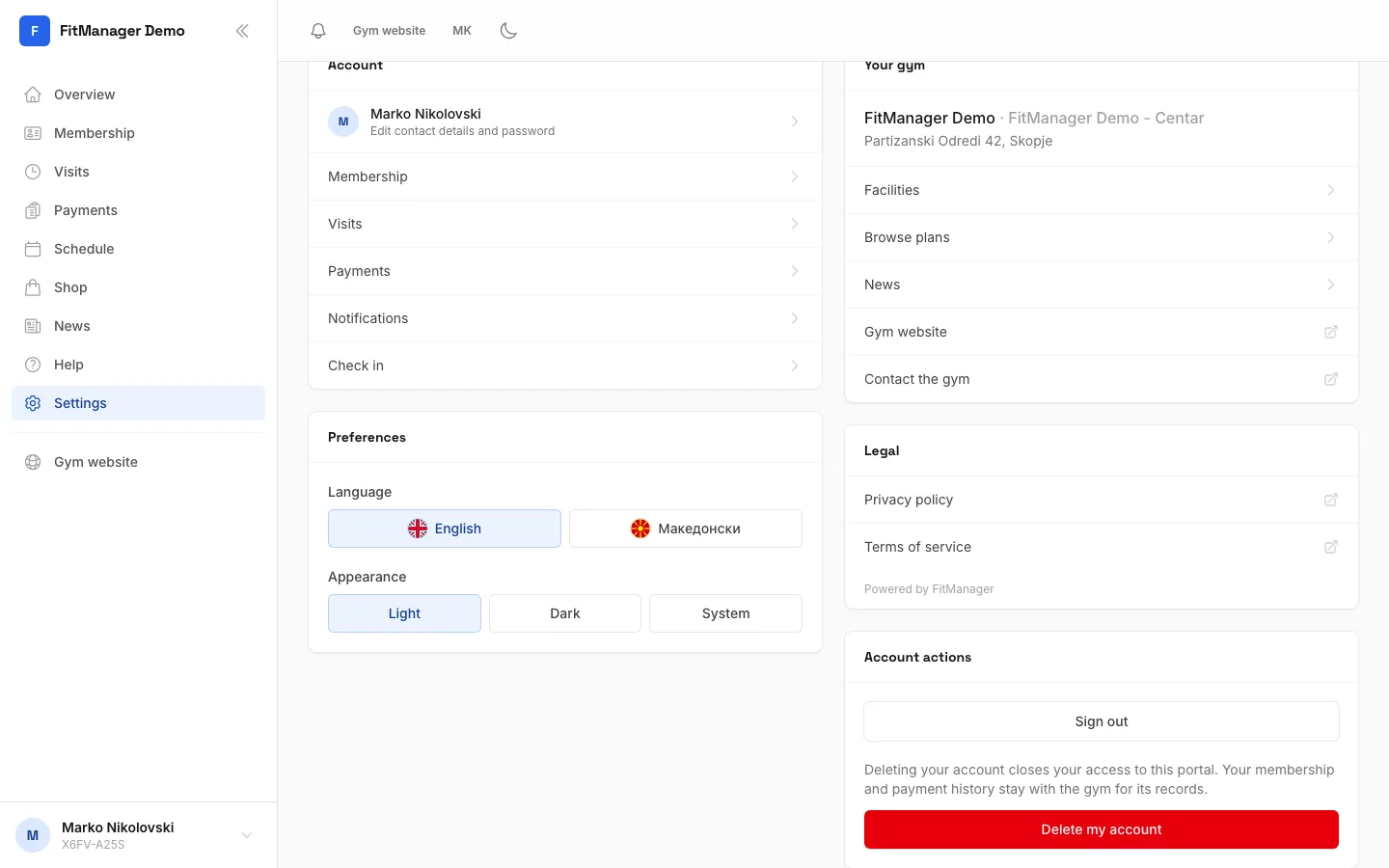
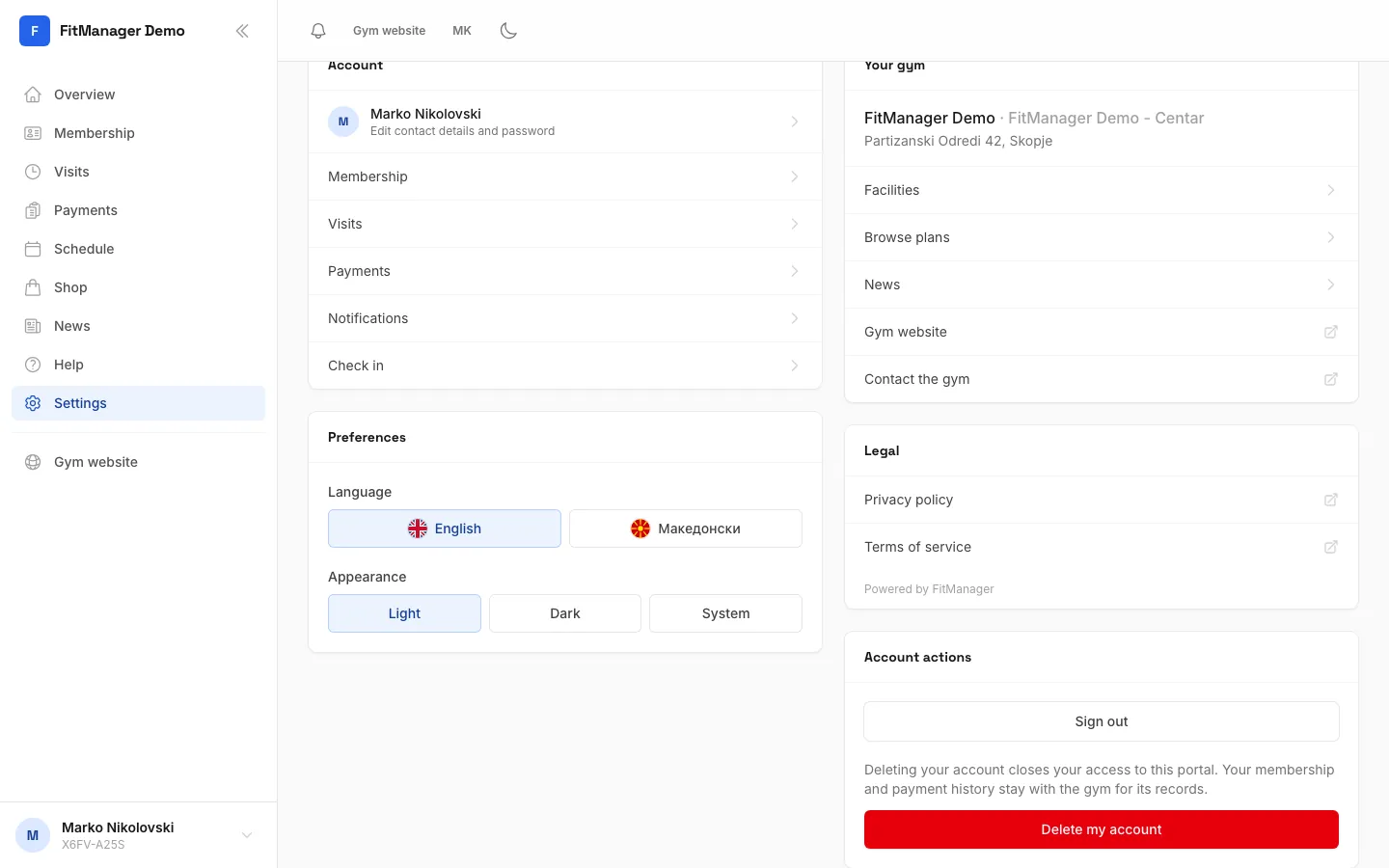
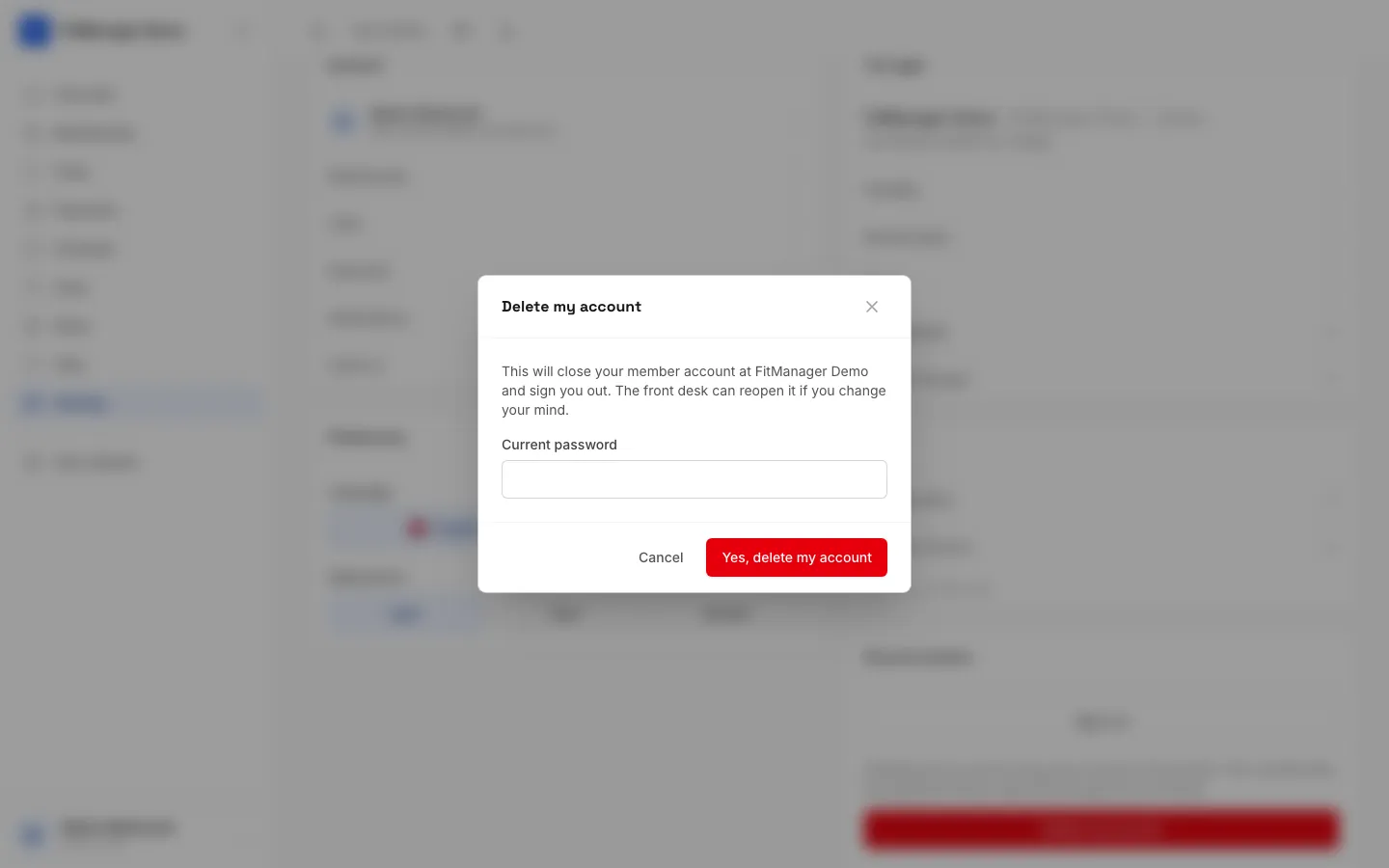
- Step 1: Open Settings.
- Step 2: Account actions is where you sign out or close your account.
- Step 3: Tap Delete my account.
- Step 4: Read the message and type your password to confirm it is you.
- Step 5: Yes, delete my account closes your account and signs you out. Only tap it if you are sure.
- Step 6: Changed your mind? Tap Cancel and nothing happens.
What happens to your data
- Your access to this gym's portal is closed and your account is marked inactive. You can no longer sign in or scan in with your card.
- Your membership and payment history stay with the gym for its records.
- The account is closed, not erased right away, so the front desk can reopen it if you change your mind.
If you want the gym to remove your personal data completely, or you want a copy of it, ask the gym directly. They are responsible for your data. The Privacy policy link under Settings explains how FitManager handles your data.
Common questions
It says the password is incorrect
Type the password you use to sign in to the portal. If you forgot it, sign out, reset it with Forgot password?, then try again.
I deleted my account by mistake
Ask the front desk to reopen it. Your history is still there.
Was this page helpful?
Related articles
Still stuck?
Write to us and we will get back to you within one working day.